


Free AI Announcement Generator
Quickly turn your news into a clear, ready-to-share announcement.
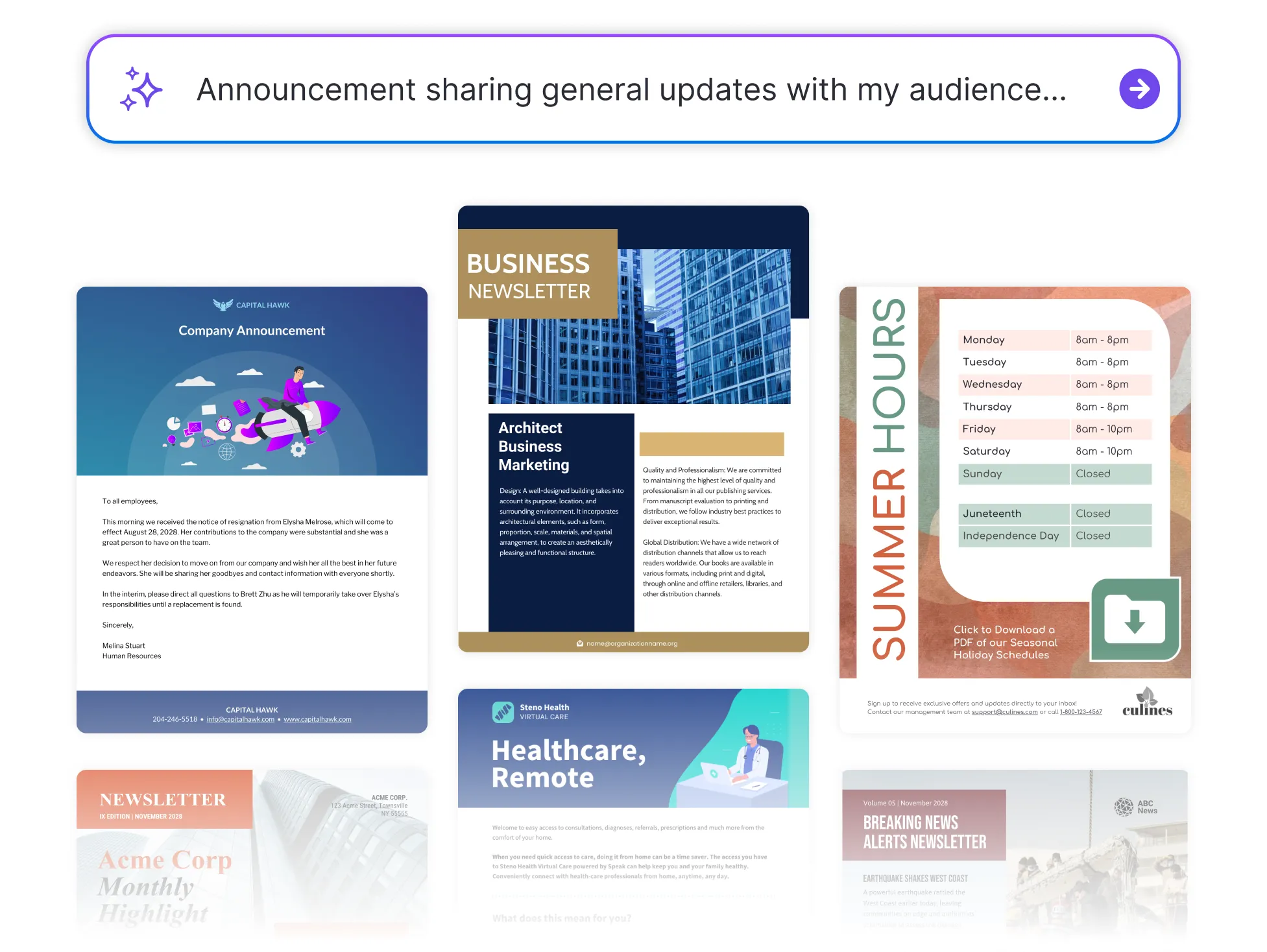




Browse Through More Announcement Templates
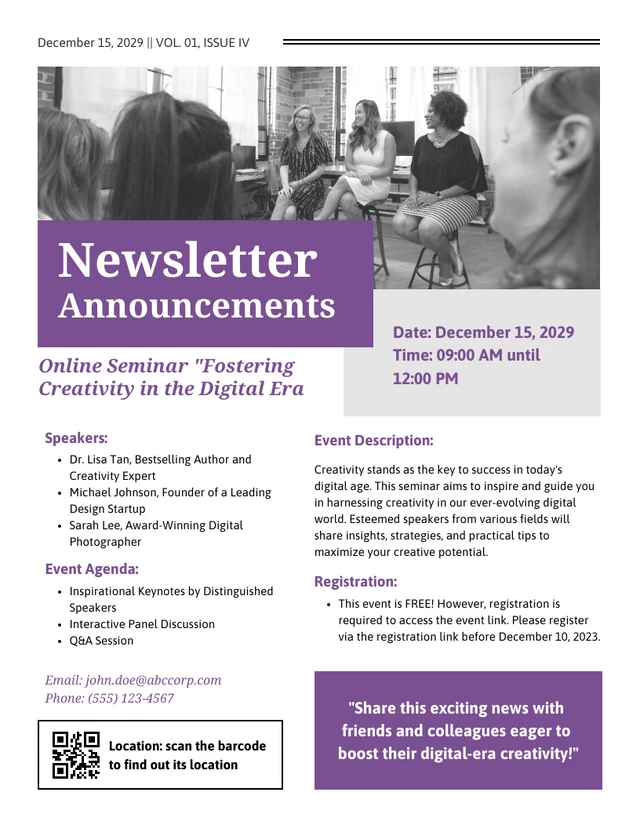
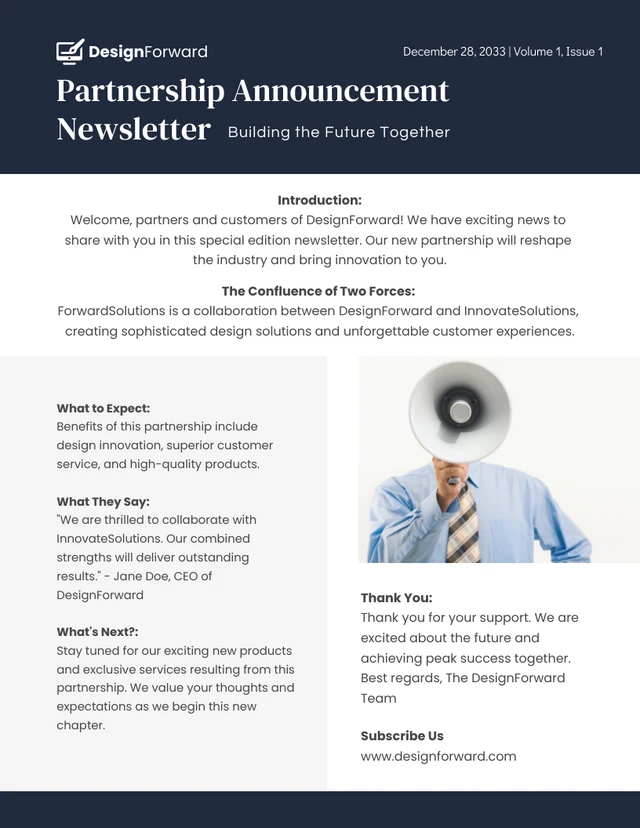
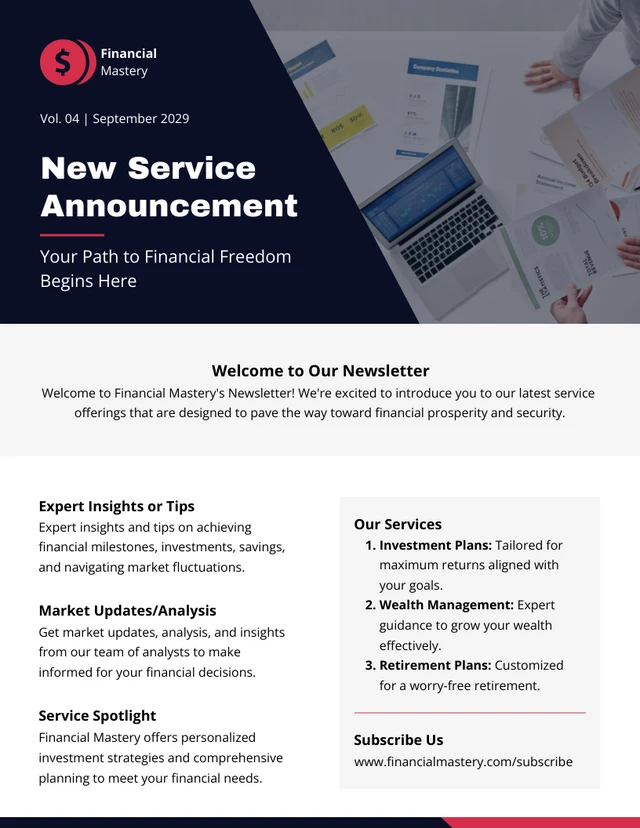
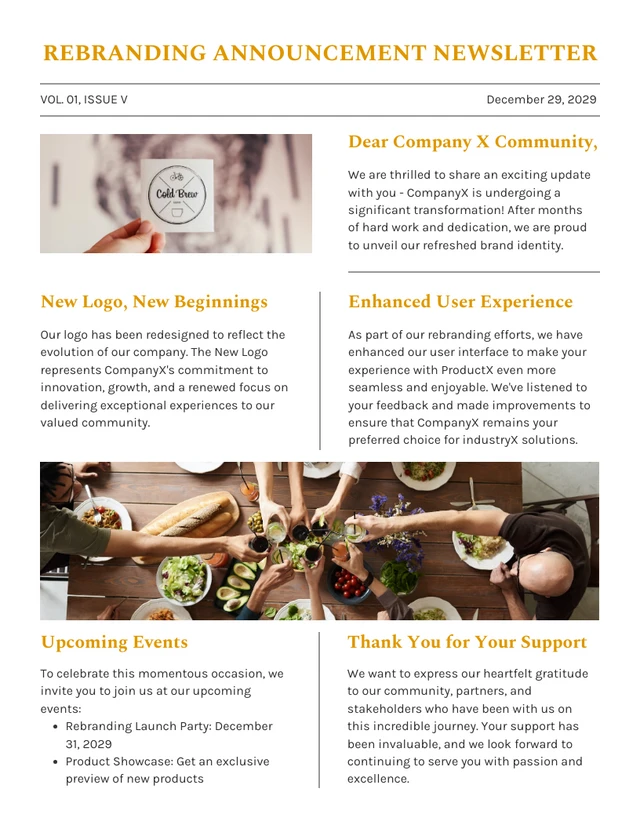
Popular AI Design Generators
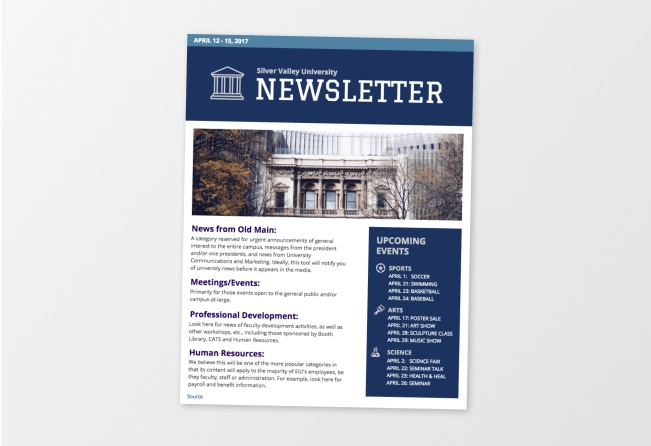

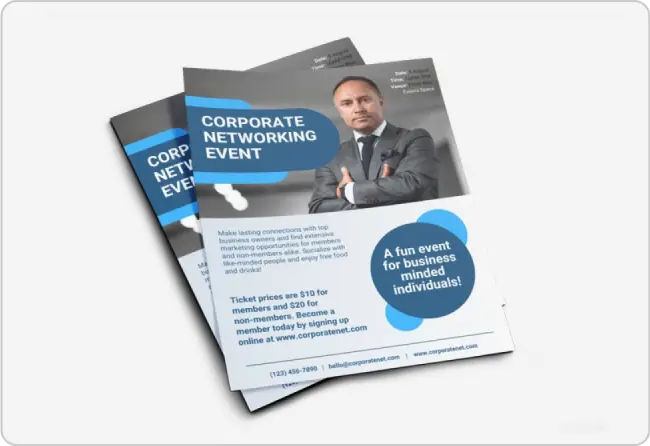
How to Create Announcements in Under 5 Minutes
Step 1: Choose the Type of Announcement
Start by selecting the kind of update you need—product launch, event, internal news, or general update.
Step 2: Add the Key Details
Enter your headline, date, and a few lines about what you're announcing and who it’s for.
Step 3: Let AI Draft the Message
Venngage’s AI generator instantly generates a clear, structured announcement based on your input—tone and format included.
Step 4: Customize the Design
Use the drag-and-drop editor to adjust layout, colors, fonts, and visuals. Apply your Brand Kit for a polished, professional look.
Step 5: Download or Share Instantly
Export your announcement as a PDF, image, or shareable link—ready to post, email, or present.
Teams Sharing Internal Updates
Keeping everyone in the loop shouldn’t take hours. Venngage’s Announcement Generator helps you create polished, professional messages for internal updates—whether it’s a shift in priorities, a policy change, or an all-hands invite.
It’s a faster, clearer way to communicate across departments or remote teams. Just add your message and share it—without the back-and-forth.
Generate Announcements