


Free AI Bar Graph Generator
Create clear, compelling bar graphs in just a few clicks.
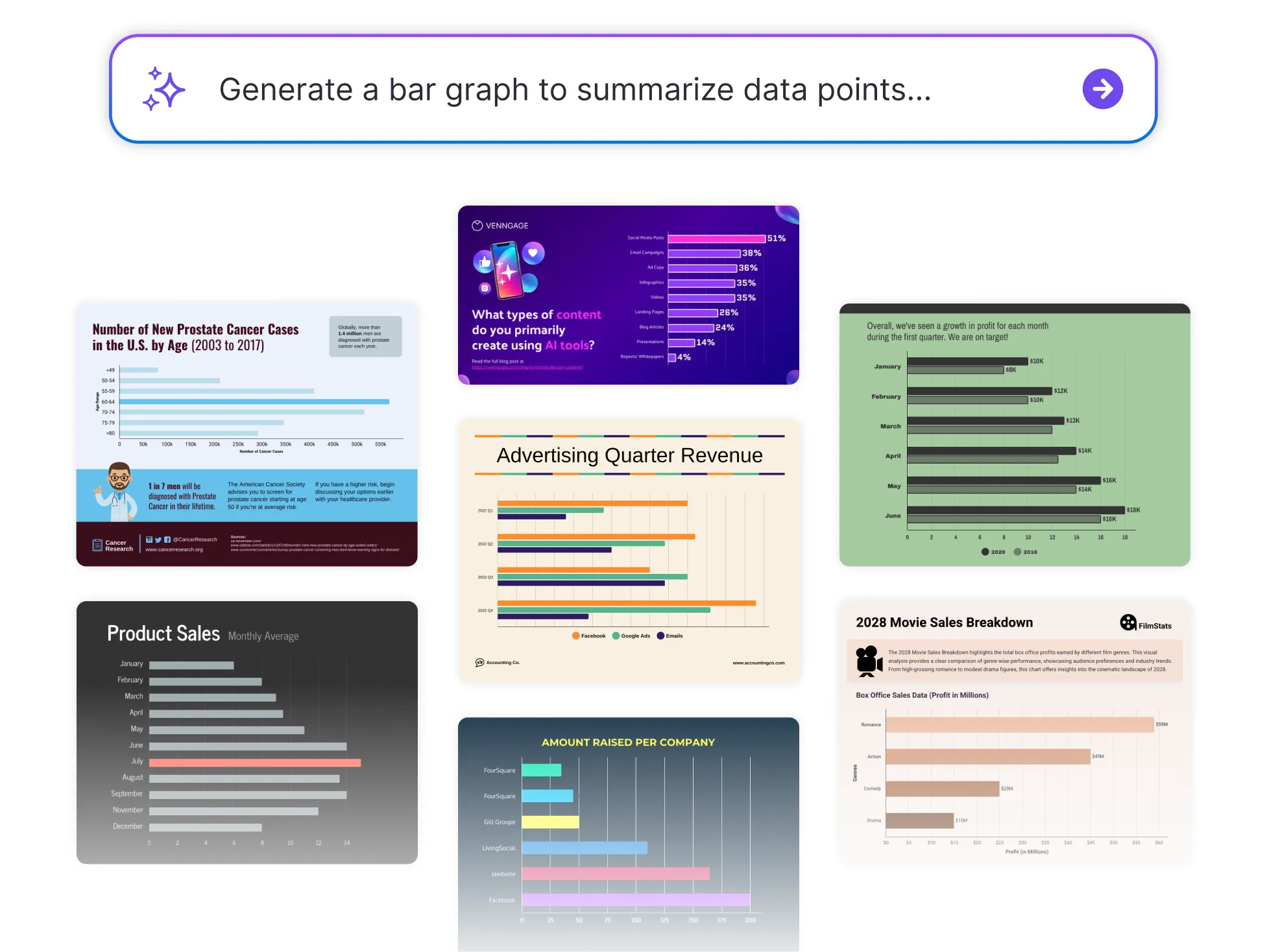




Browse Through More Bar Graph Templates


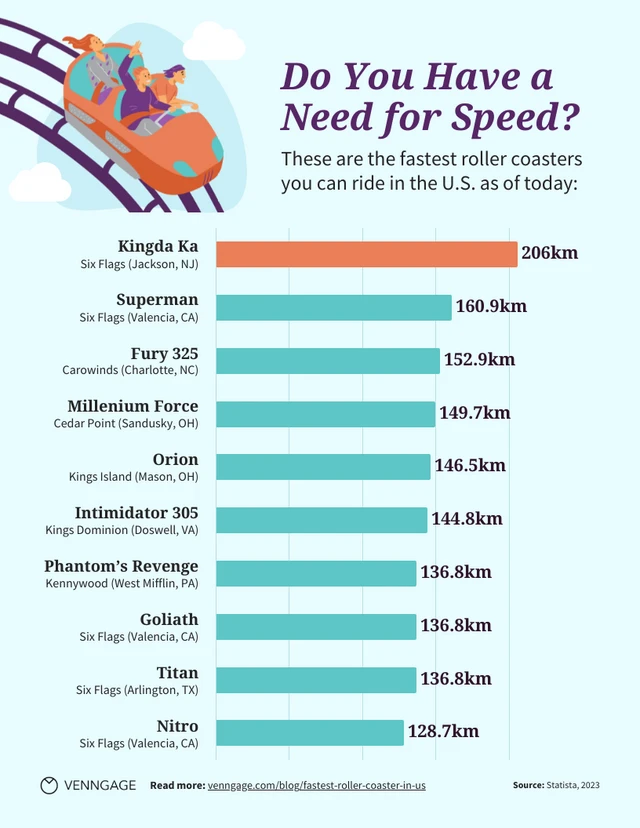

Popular AI Design Generators
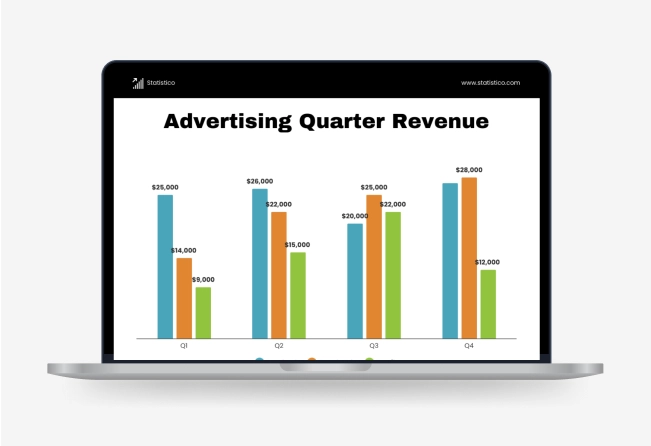

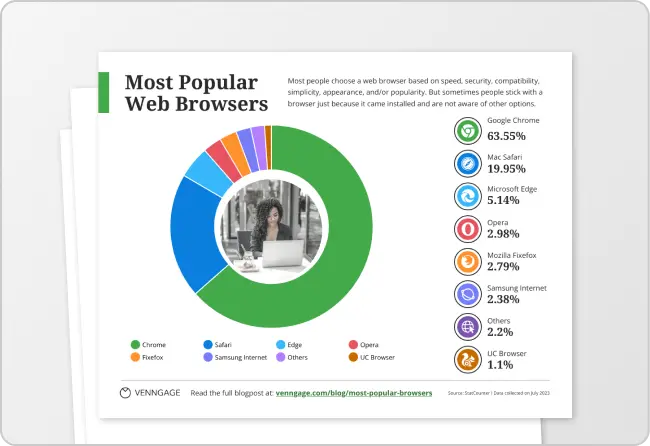
How to Create a Bar Graph in Under 5 Minutes
Step 1: Enter Your Data or Paste Text
Start by entering your categories and values directly, paste raw data from a spreadsheet, or import a CSV file or Google Sheets link. You can also type a quick summary of what you want visualized and let AI handle the rest.
Step 2: Let AI Generate Your Bar Graph
Venngage’s AI generator instantly transforms your input into a clean, accurate bar graph—no design or formatting needed.
Step 3: Refine the Labels and Values
Quickly adjust axis titles, category names, or data points to match your message better.
Step 4: Customize the Look
Use the drag-and-drop editor to tweak colors, fonts, and styles. Apply your Brand Kit to keep it consistent with your reports or presentations.
Step 5: Download or Share Instantly
Export your bar graph as an image, PDF, or link—ready to drop into slides, dashboards, or emails.
For Professionals Turning Data Into Clear Reports
Sifting through spreadsheets is one thing, explaining them is another. Venngage’s Bar Graph Generator helps you instantly transform raw data into clean, professional visuals that are easy to present and easier to understand.
Perfect for sharing insights in reports, dashboards, or team meetings. Just input your data and let the generator do the rest.
Generate a Bar Graph