


Free AI Carousel Generator
Storytelling just got a visual upgrade.
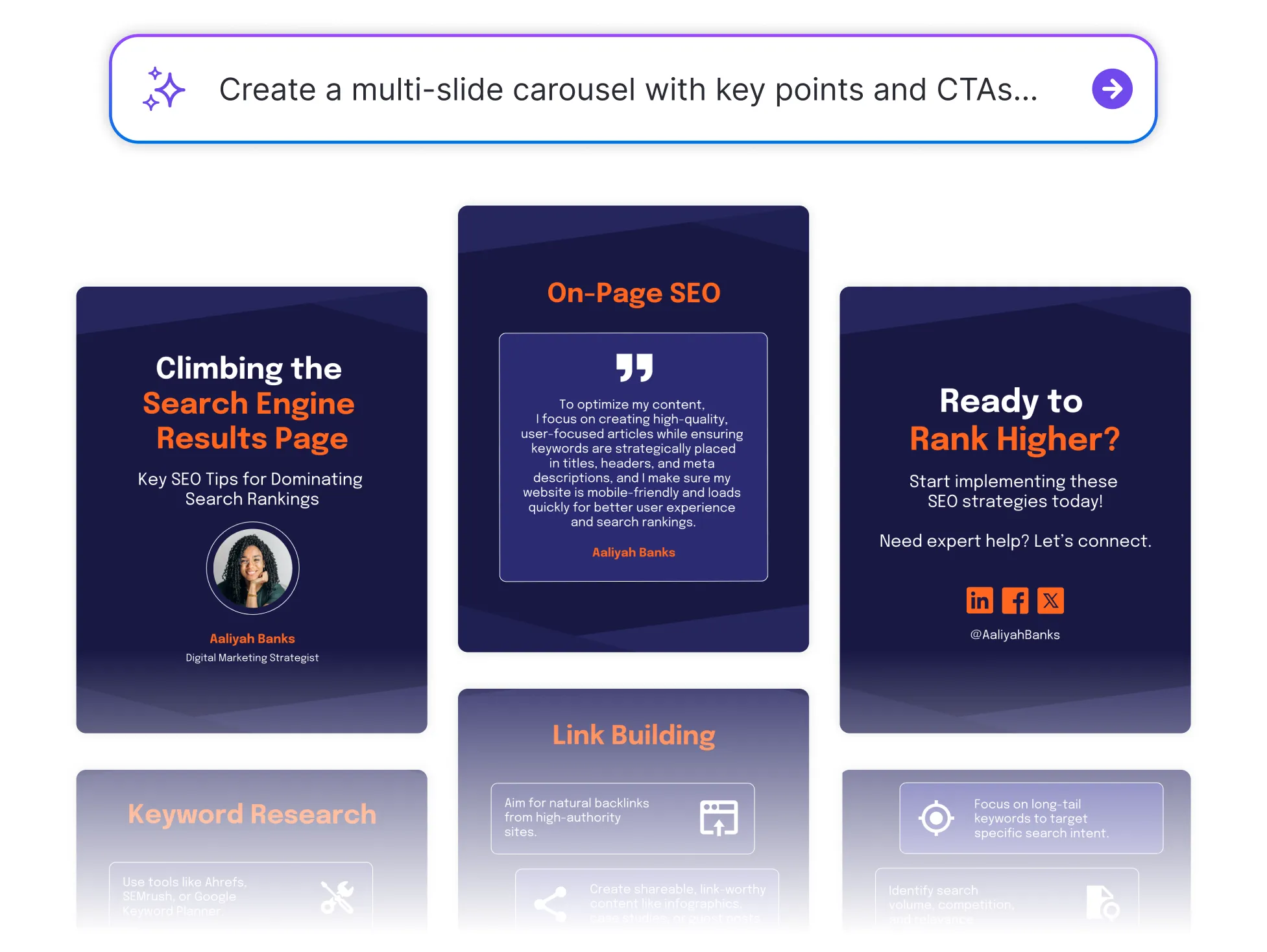




Browse through Carousel Templates
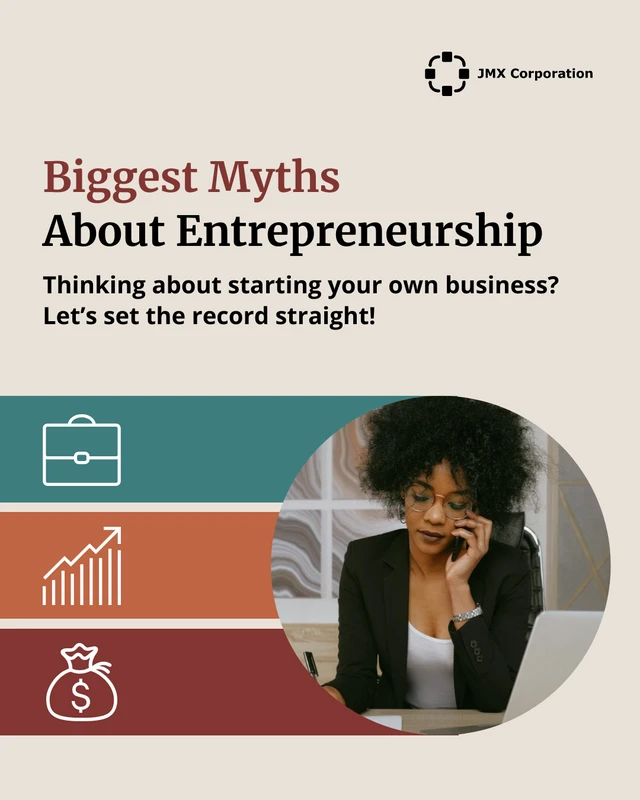
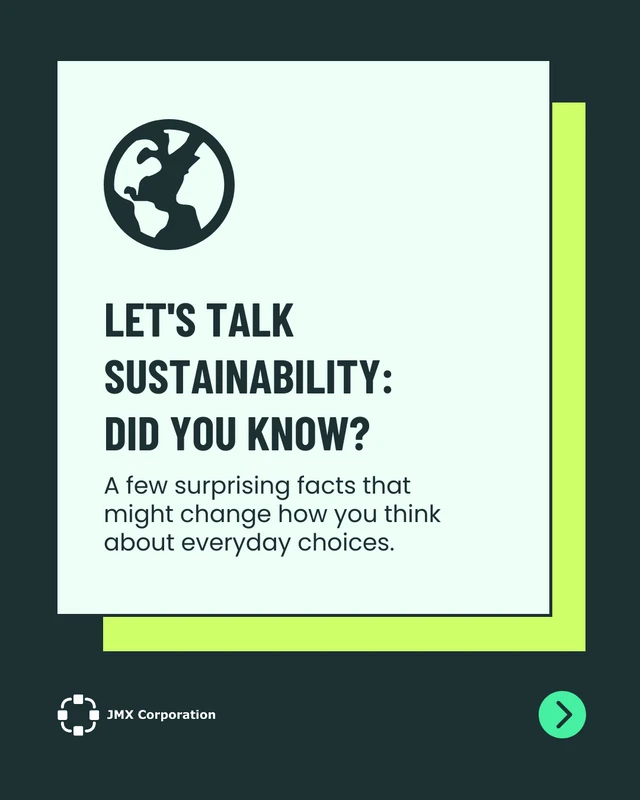
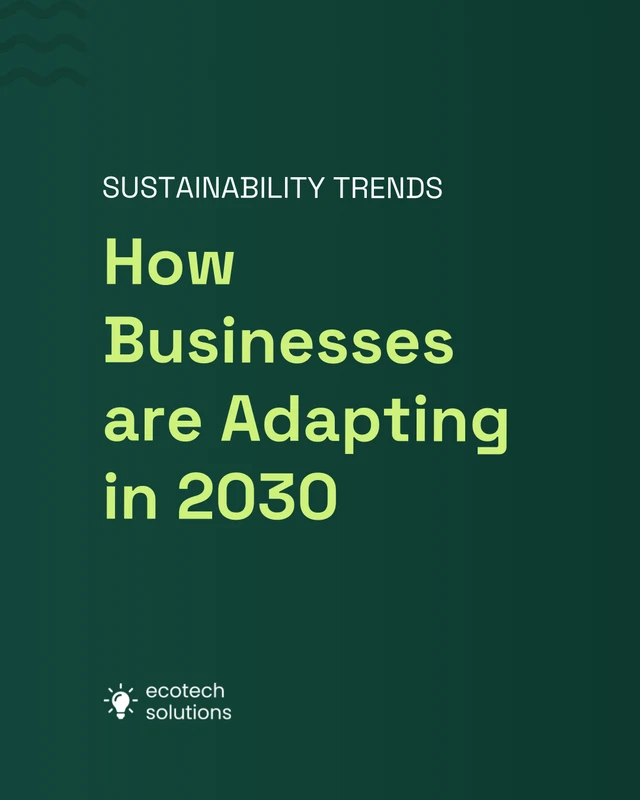

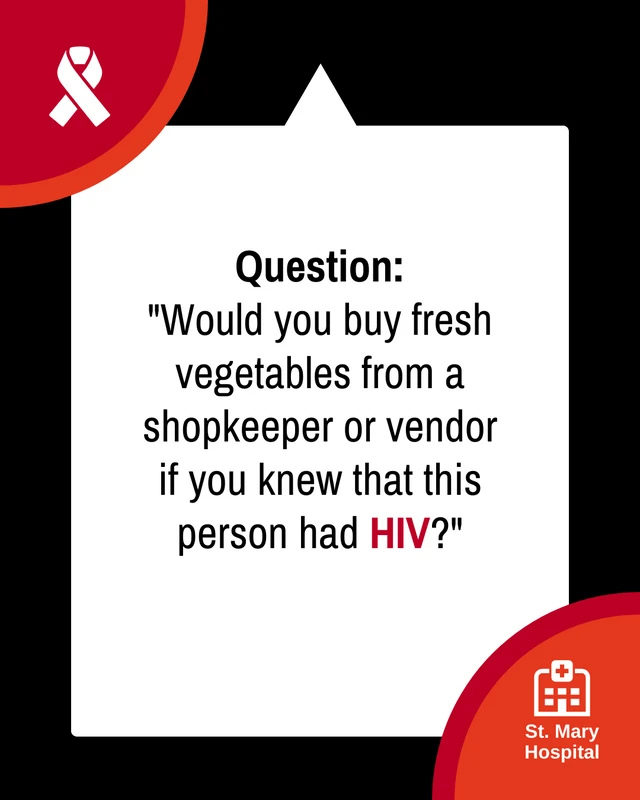
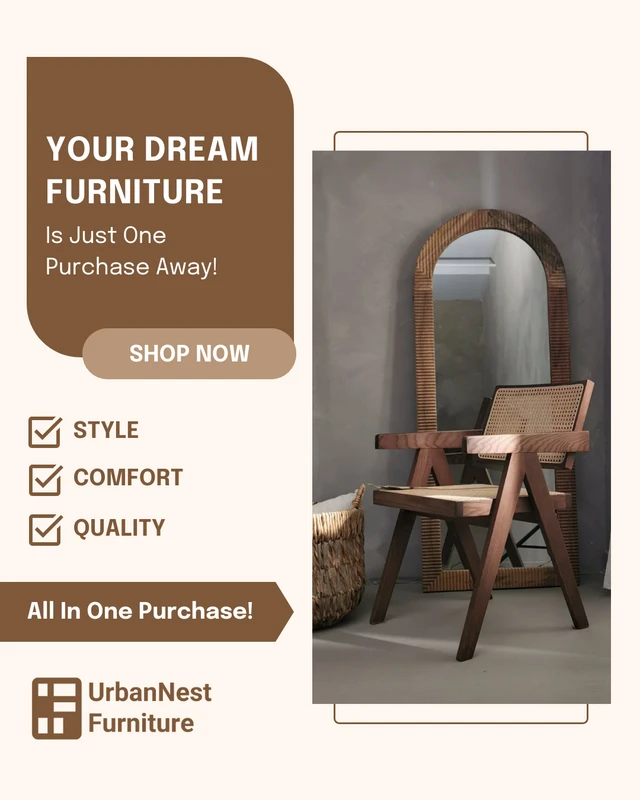
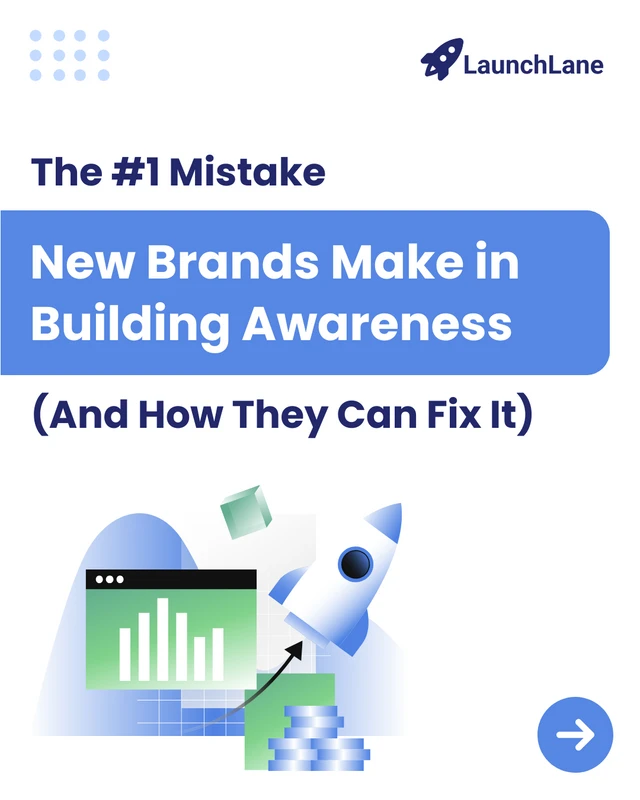
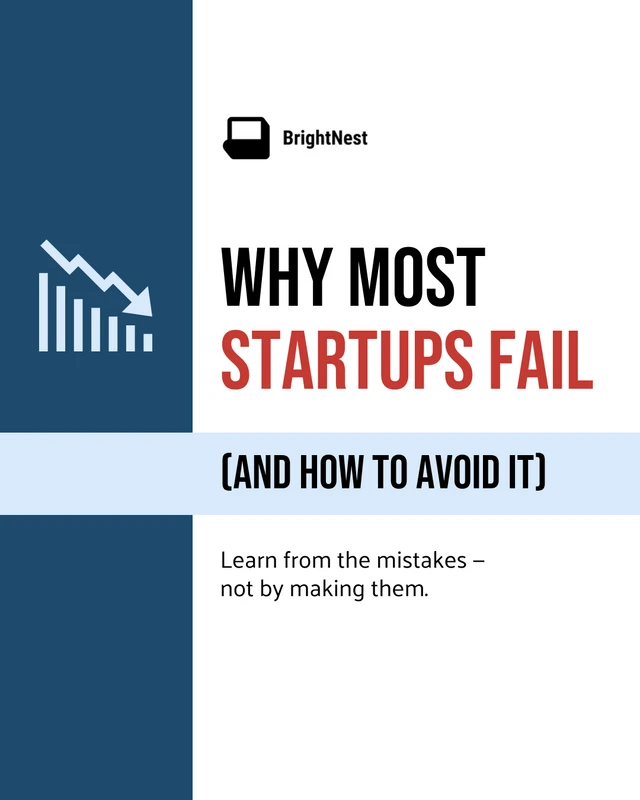
Popular AI Design Generators


How to Create a Carousel in Under 5 Minutes
Step 1: Enter Your Topic or Idea
Start with a short prompt like “5 productivity tips for remote teams” or “How to grow your email list” to help the AI understand your message.
Step 2: Let AI Generate Your Carousel Slides
Venngage’s AI instantly creates a multi-slide structure with headlines, key points, and CTAs tailored to your topic and tone.
Step 3: Choose a Visual Style That Fits
Pick a design theme or layout that matches your brand or platform, whether it’s bold and colorful or clean and minimal.
Step 4: Customize Your Content and Branding
Use the drag-and-drop editor to tweak copy, change icons, and apply your fonts, colors, and logos with the Brand Kit for a cohesive look.
Step 5: Download and Share Your Carousel
Export your finished carousel as a high-quality image or PDF that’s ready for LinkedIn, Instagram, or wherever your audience scrolls.
Content Creators Who Want to Stand Out
You’ve got great ideas, but one static post won’t do them justice. Venngage’s Carousel Generator transforms your message into bold, scroll-worthy visuals that tell a story, spark engagement, and look incredible doing it.
No design stress. No format guesswork. Just plug in your topic and let AI craft a multi-slide masterpiece that’s made to be shared.
Generate Carousels