


Free AI Concept Map Generator
Break down big ideas with AI-generated concept maps.
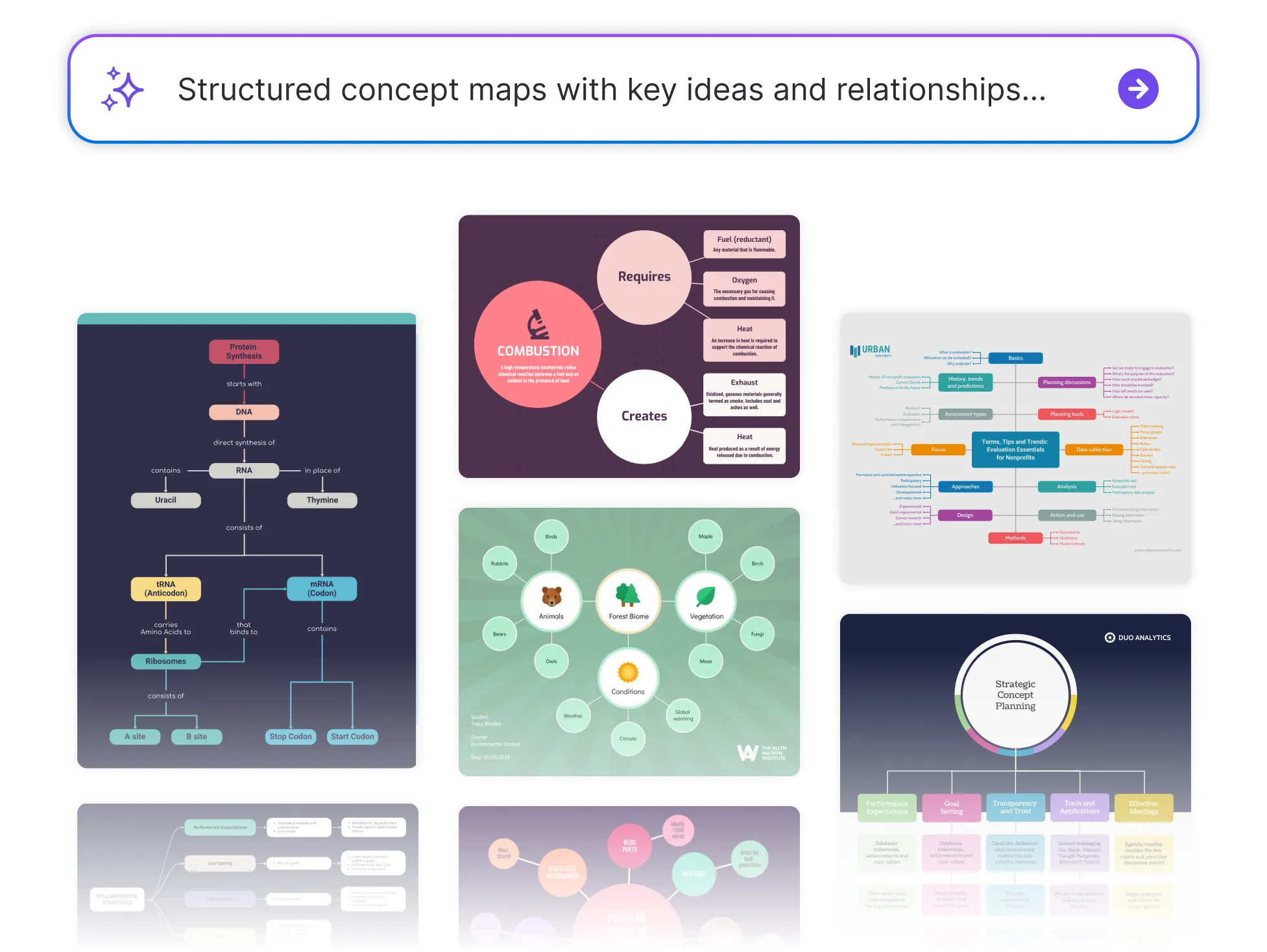




Browse through Concept Map Templates


Popular AI Design Generators
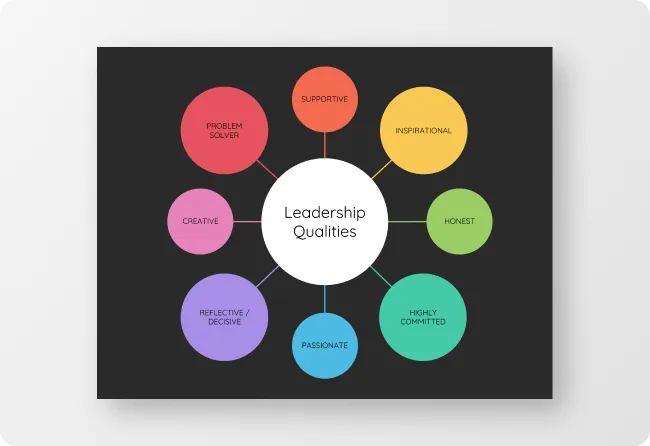
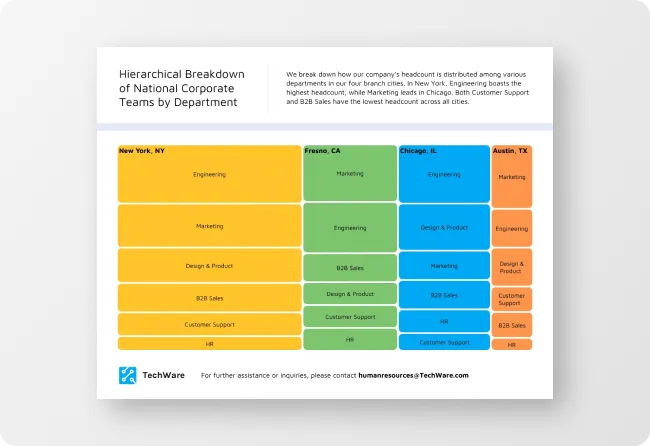
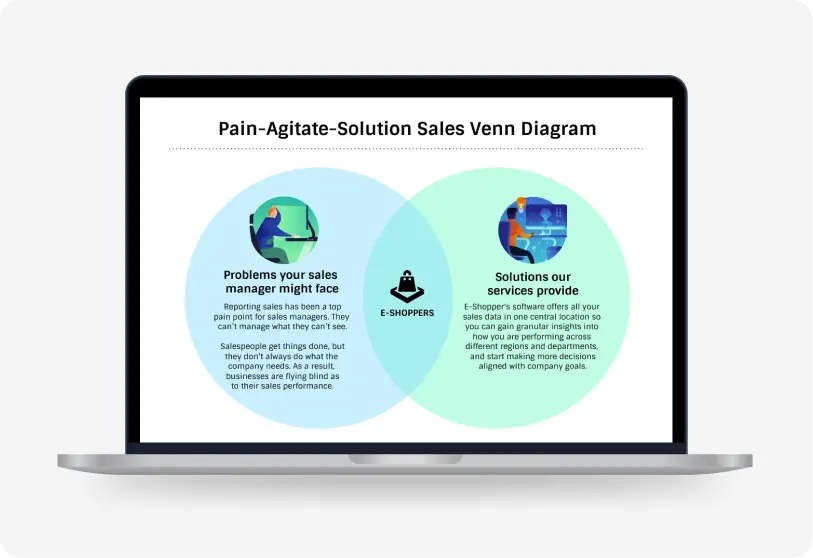
How to Create a Concept Map in Under 5 Minutes
Step 1: Enter Your Main Topic
Start by typing a central idea like “ecosystems” or “product launch strategy.” This gives the AI a clear starting point to branch from.
Step 2: Let AI Build the Framework
Venngage’s AI instantly generates a structured concept map with key ideas, relationships, and supporting nodes with no manual outlining needed.
Step 3: Pick a Visual Style That Fits
Choose a layout that suits your thinking—hierarchical, radial, or flow-style, so your ideas feel intuitive and easy to follow.
Step 4: Customize the Look and Feel
Use the drag-and-drop editor to tweak connections, adjust text, and apply your brand colors and fonts with Venngage’s Brand Kit.
Step 5: Share, Save, or Expand It Anytime
Export your concept map as an image or PDF, or keep it editable in your Venngage dashboard for updates, team use, or presentations.
Educators Who Want to Make Complex Ideas Click
You’re not just teaching, you’re helping lightbulbs go off. Venngage’s Concept Map Generator transforms your curriculum into clear, visual maps that help students grasp connections, not just memorize facts.
Just type in a topic, and watch AI build a shareable, classroom-ready visual that brings even the most complex ideas to life.
Generate Concept Maps