


Free AI Facebook Ad Generator
Create scroll-stopping Facebook ads in minutes.
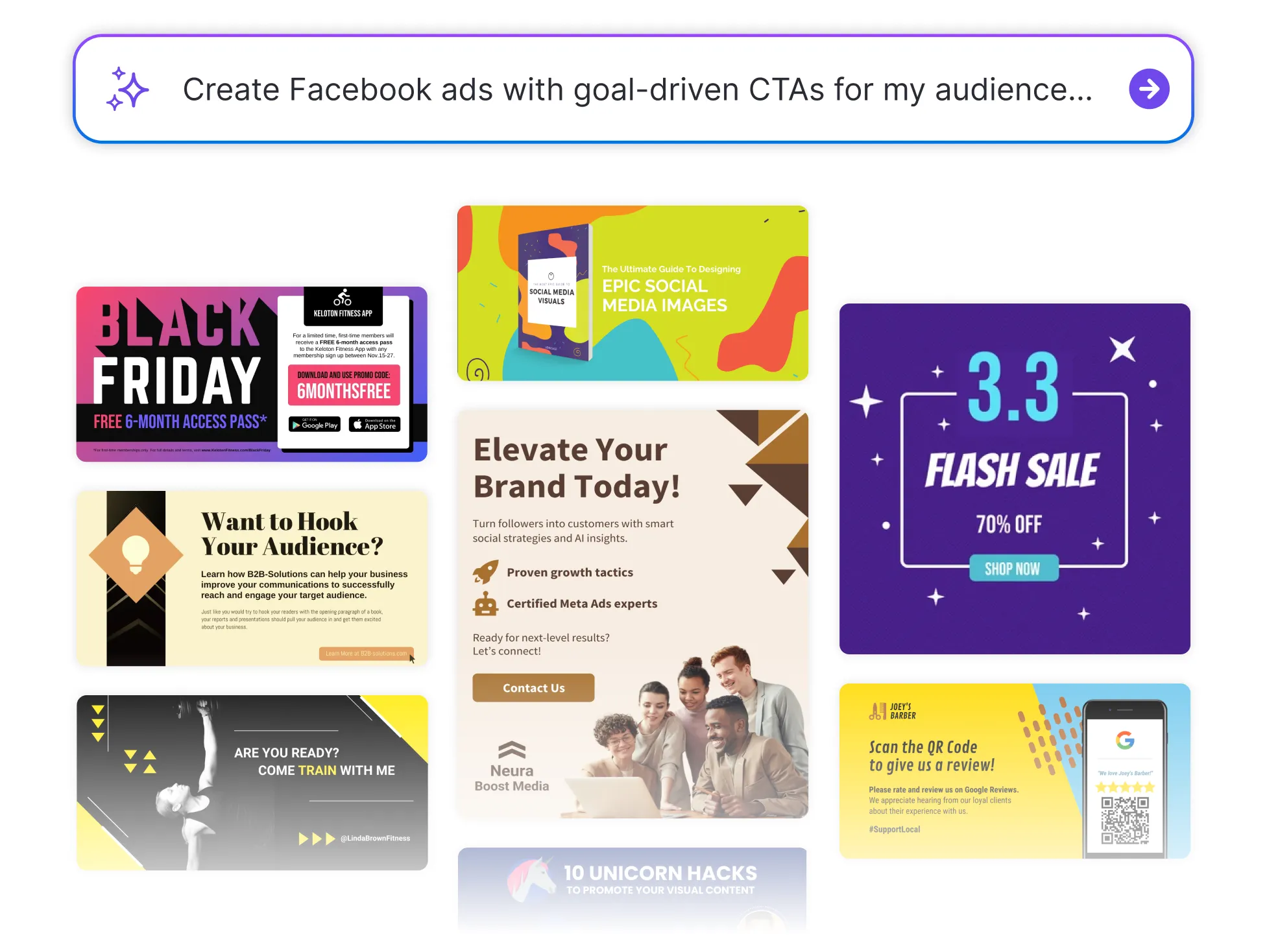




Browse through Facebook Ad Templates
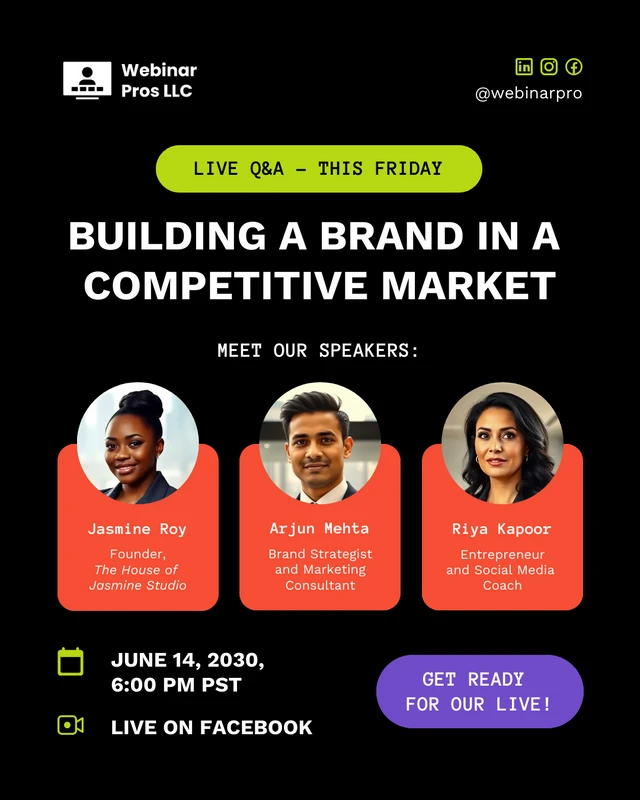
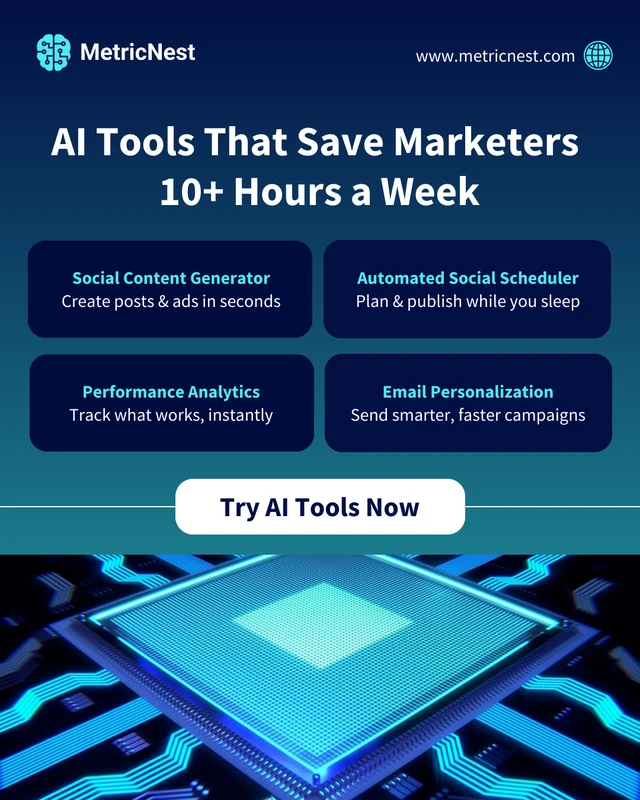
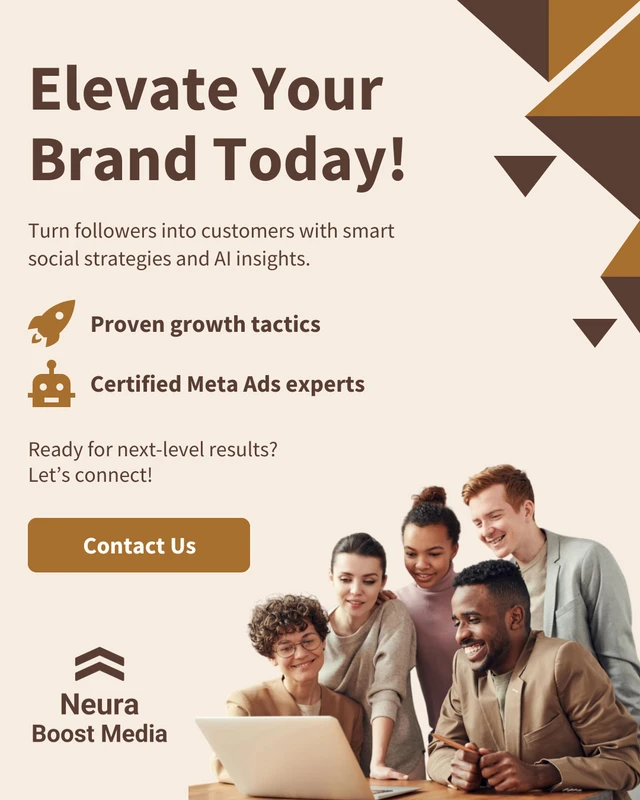


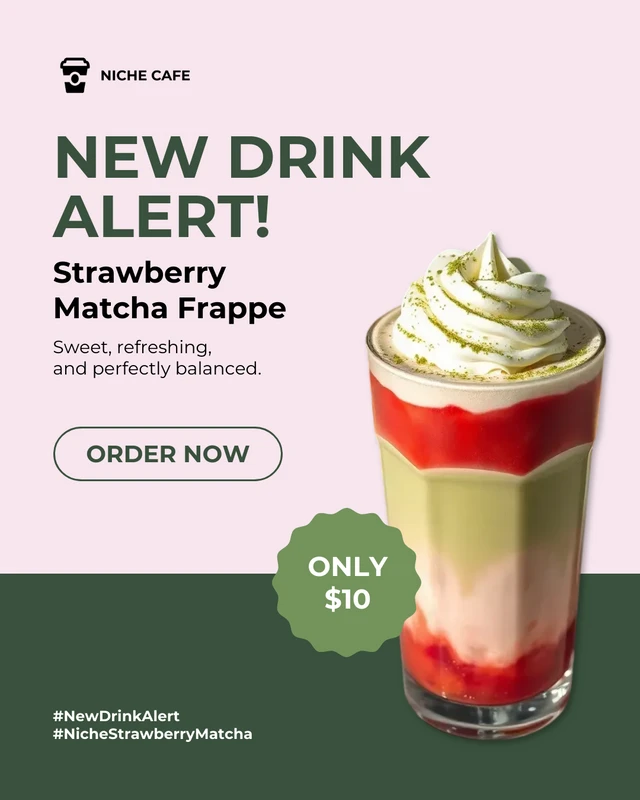
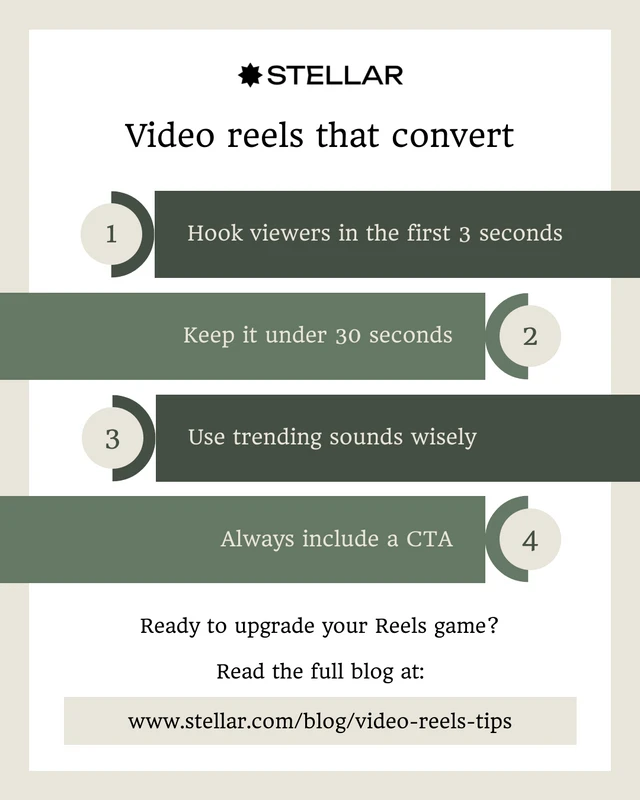
Popular AI Design Generators
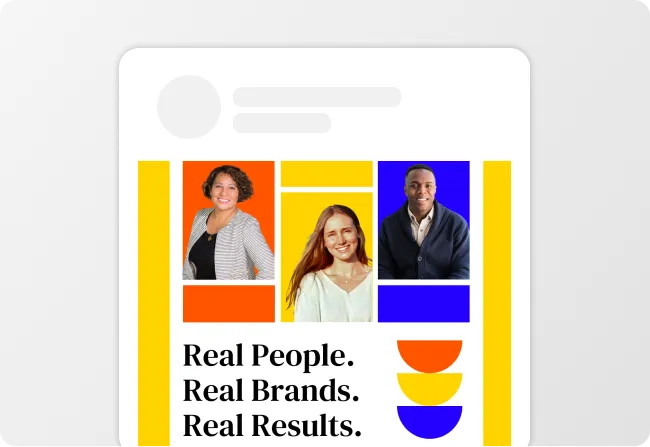
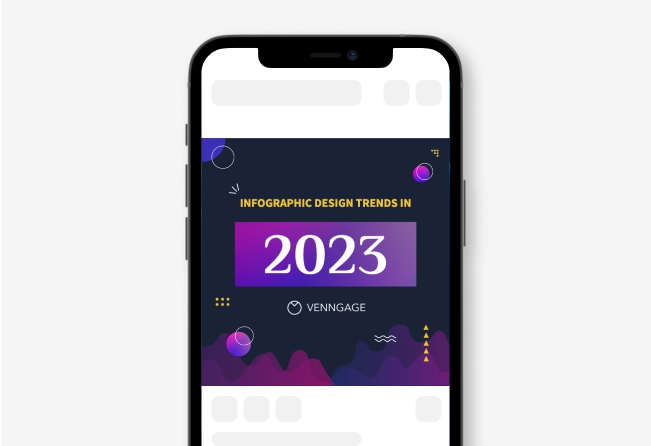
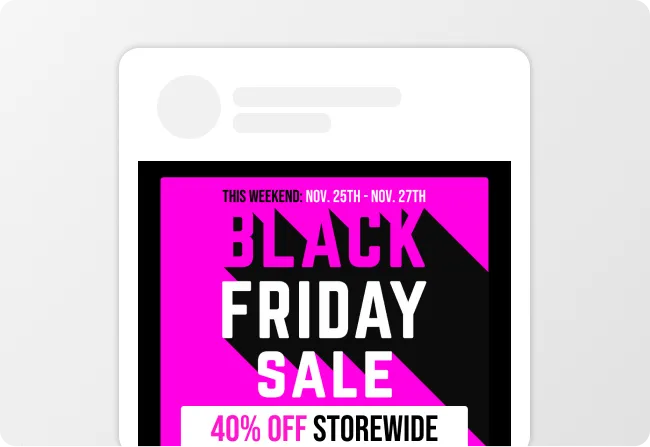
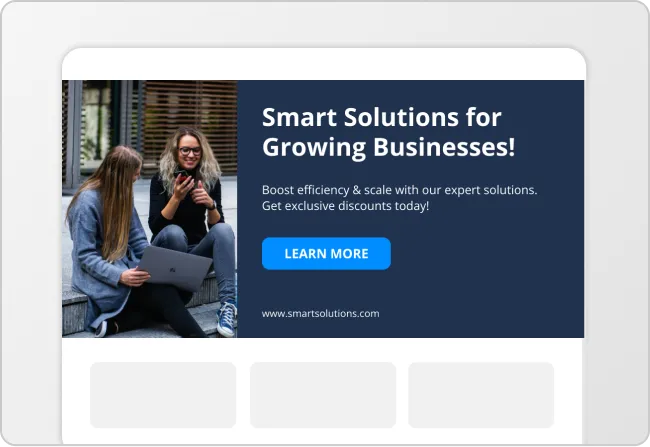
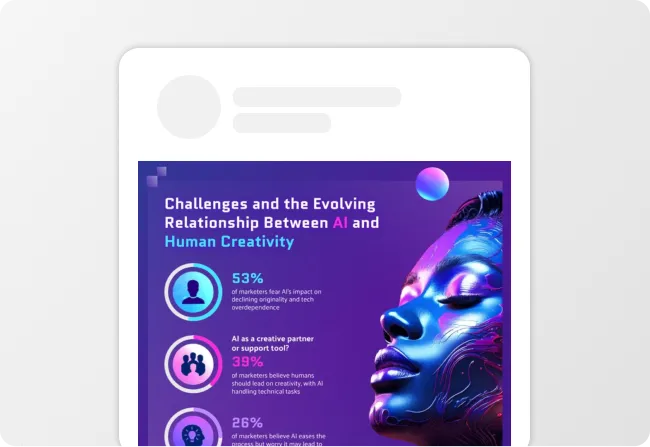
Sample Prompts You Can Modify and Use
“Generate a Facebook ad as an eCommerce seller launching a new skincare product. Create conversion-focused ad copy and a product image ad design aimed at increasing online purchases.”
“Write a Facebook retargeting ad as an eCommerce brand marketer promoting a limited-time discount for customers who viewed products but did not purchase. Generate conversion-focused ad copy and a product-focused Facebook ad design aimed at recovering abandoned carts.”
“Create a Facebook ad as a fitness studio owner promoting a new membership discount. Generate ad copy and a promotional image ad design focused on getting new sign-ups.”
“Create a Facebook ad as a startup founder launching a new AI scheduling app for freelancers. Generate awareness-stage ad copy and a modern Facebook image ad design focused on encouraging app downloads and early product adoption.”
How to Create Facebook Ads Using AI
Step 1
Enter Your Campaign Goal, Sales Offer, or Marketing Promotion Details
Type your objective, target audience, and promotion details into the tool. This helps Venngage generate accurate Facebook ad messaging and visuals.
Step 2
Generate Copy-Ready Ad Designs
Click generate to create complete Facebook ads that include headlines, primary text, CTAs, and matching visual ad designs in one layout.
Step 3
Edit Your Ad Using Venngage’s Drag-And-Drop Editor
Swap images, adjust text, and apply your brand fonts, colors, and logos using the editor and Brand Kit to make the ad feel fully yours.
Step 4
Refine Your Design Using Venngage AI Tools
Use the AI Designer to adjust layouts, the AI Image Generator or AI Icon Generator to add visuals, the AI Writing Assistant to fine-tune copy, and Text Translation if you’re targeting multiple audiences.
Step 5
Export Your Facebook Ad
Download your ad as a PNG design file and upload directly into Facebook Ads Manager. You’ll have a polished Facebook ad design that’s ready to launch, test, and tweak as your campaign runs.
Launch Facebook Campaigns Faster as a Marketer
Launching Facebook campaigns on tight timelines gets easier when ad copy and visuals generate in minutes. Content and growth marketers can create Facebook ad design files, one-pager ad layouts, and ready-to-publish image creatives.
With Venngage’s Facebook Ad Generator, enter your campaign goal and audience to generate ads fast. Download design files and create complete Facebook ad creatives and copy for Facebook Ads Manager launches.
Generate Facebook Ads