


Free AI Google Ads Generator
Write Google Ads that convert.
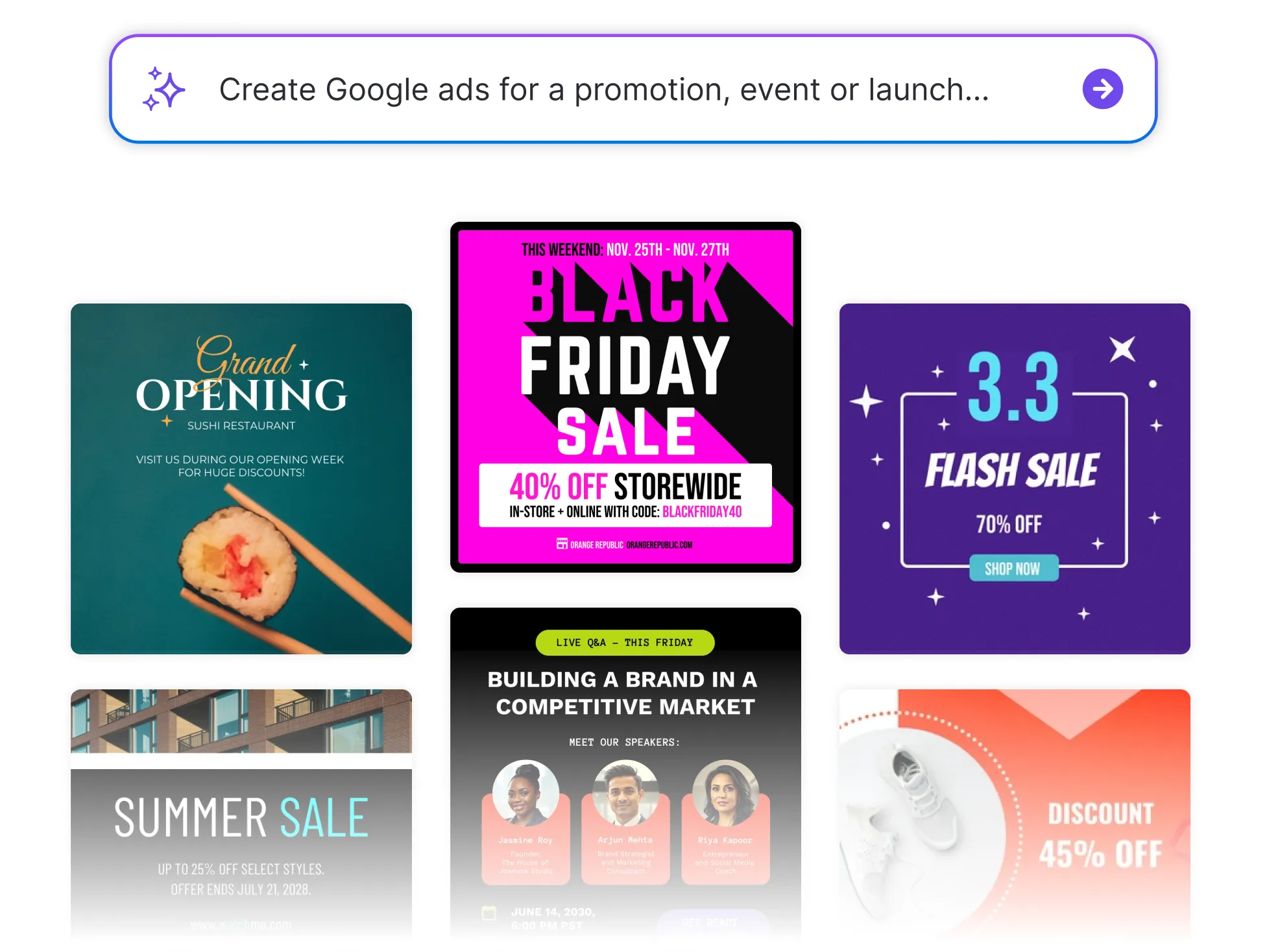




Browse Through More Google Ad Templates
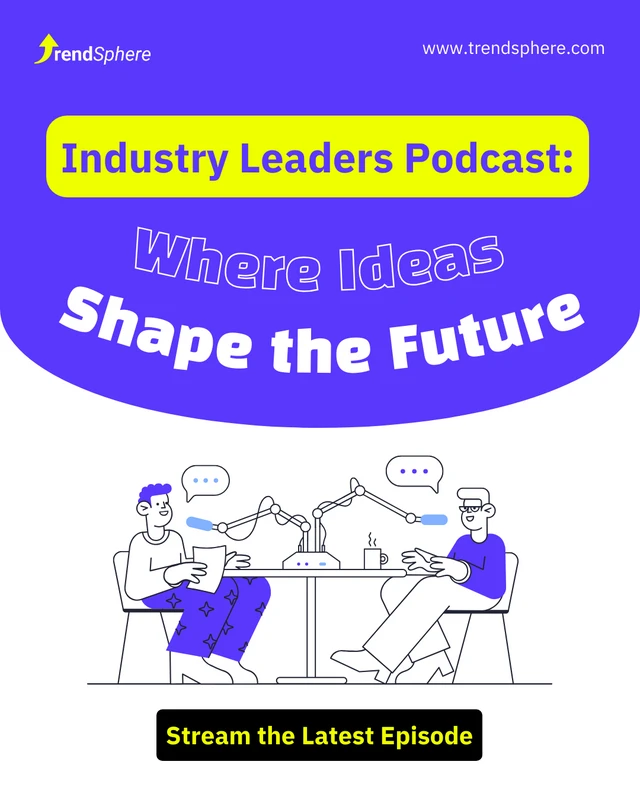

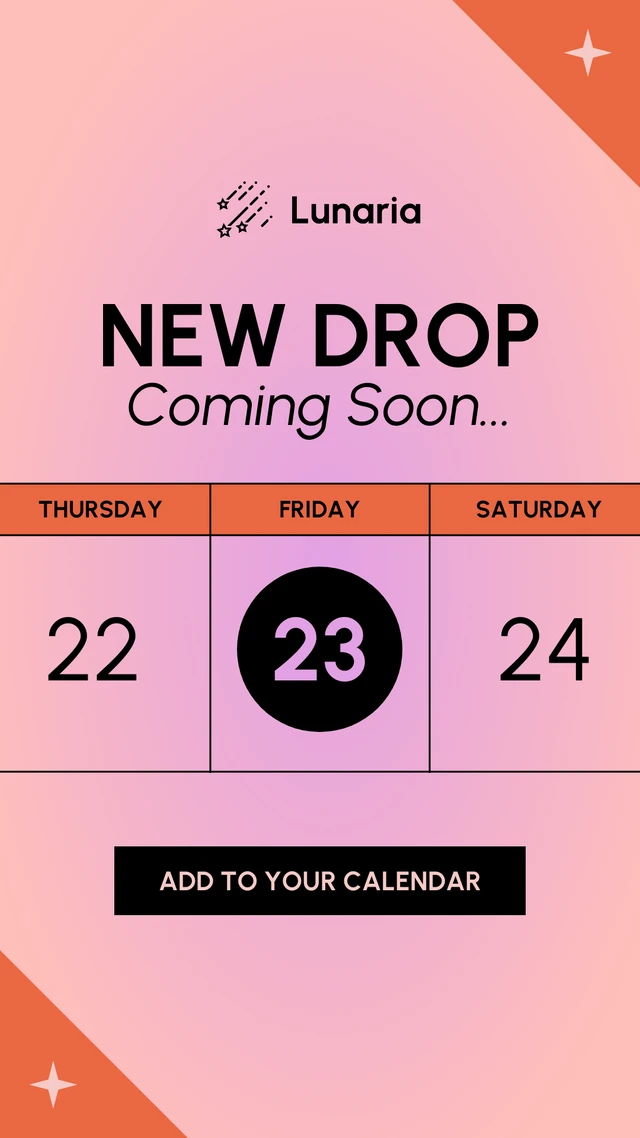




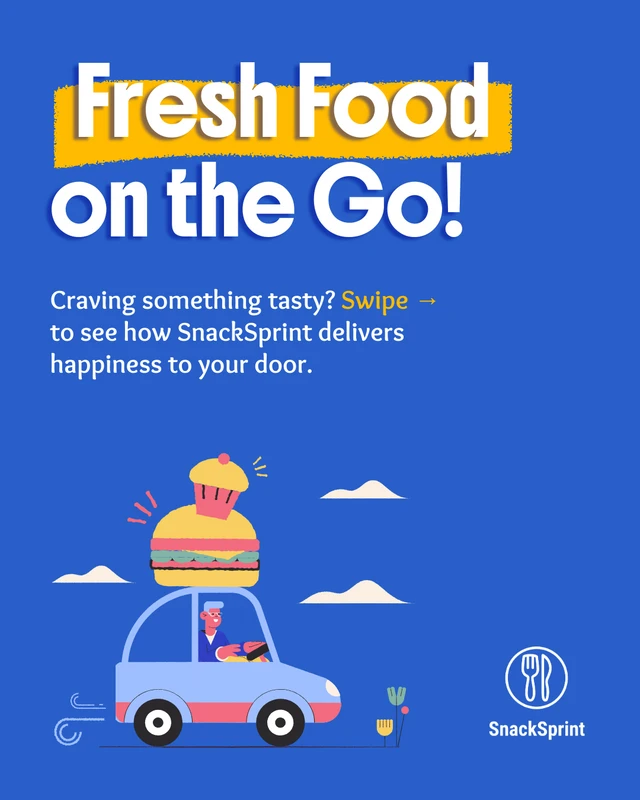
Popular AI Design Generators

How to Create Google Ads in Under 5 Minutes
Step 1
Add Your Business Details
Start by entering your brand name, product, and target audience so the AI understands your tone, goals, and market positioning.
Step 2
Describe Your Offer
Tell the AI what you’re promoting, whether it’s a service, product, or event and highlight key benefits or features you want to emphasize.
Step 3
Generate AI-Powered Ad Copy
Venngage’s AI Google Ads Generator instantly creates multiple headline and description variations optimized for engagement and conversions.
Step 4
Refine and Customize
Tweak tone, length, and keywords to match your campaign objectives. Apply your Brand Kit to keep visuals and messaging consistent across every ad.
Step 5
Launch or Download Instantly
Export your AI-generated ads, ready to upload directly into your Google Ads account or save them for future campaigns.
Marketing Teams Launching Campaigns Faster
Deadlines move fast and campaign calendars fill up even faster. Venngage’s AI tool helps marketers write on-brand Google Ads that capture clicks and boost ROI without endless revisions.
From seasonal sales to new launches, let AI handle the copy so your team can focus on strategy. Launch faster and perform smarter.
Start Creating High-Performing Ads