


Free AI LinkedIn Post Generator
Your next LinkedIn post? Just a prompt away.
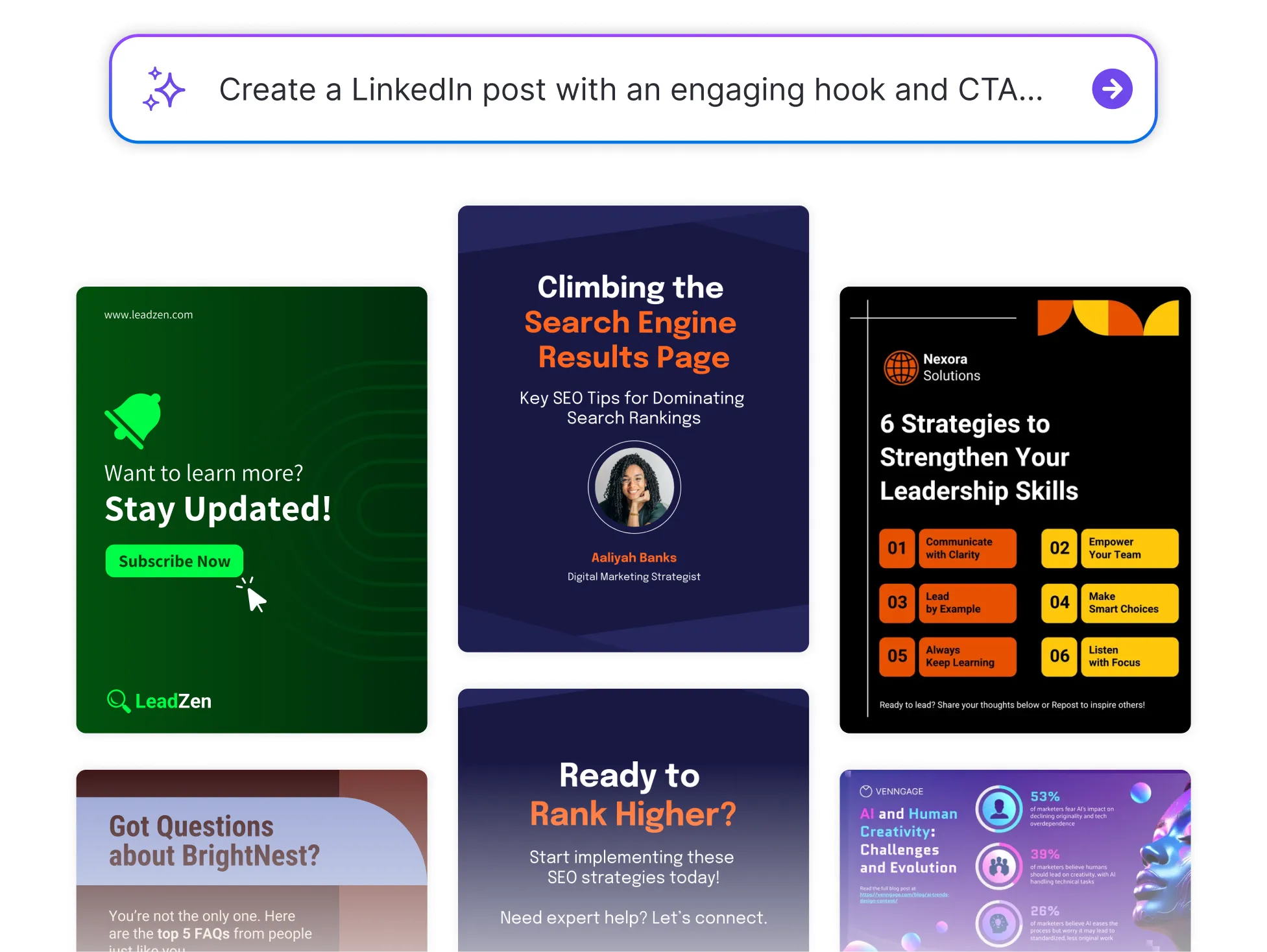




Browse Through More LinkedIn Posts
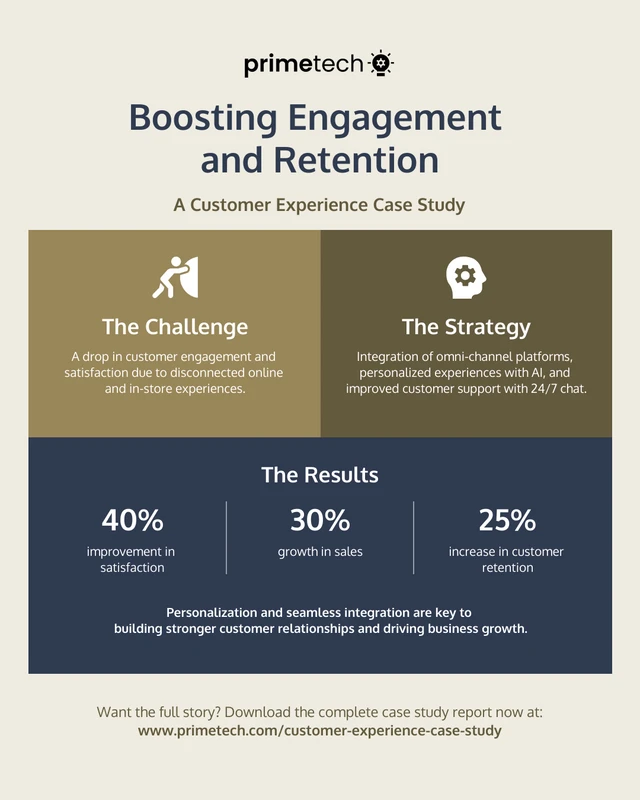


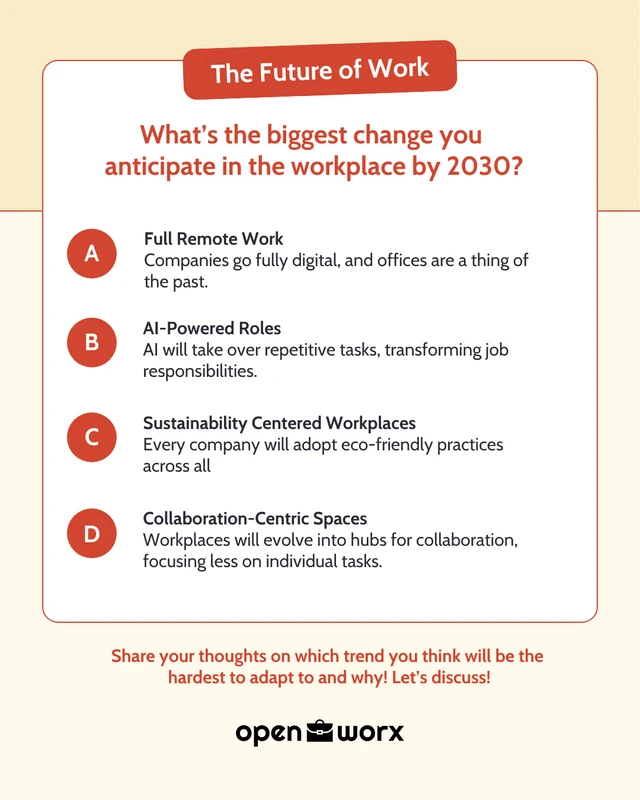
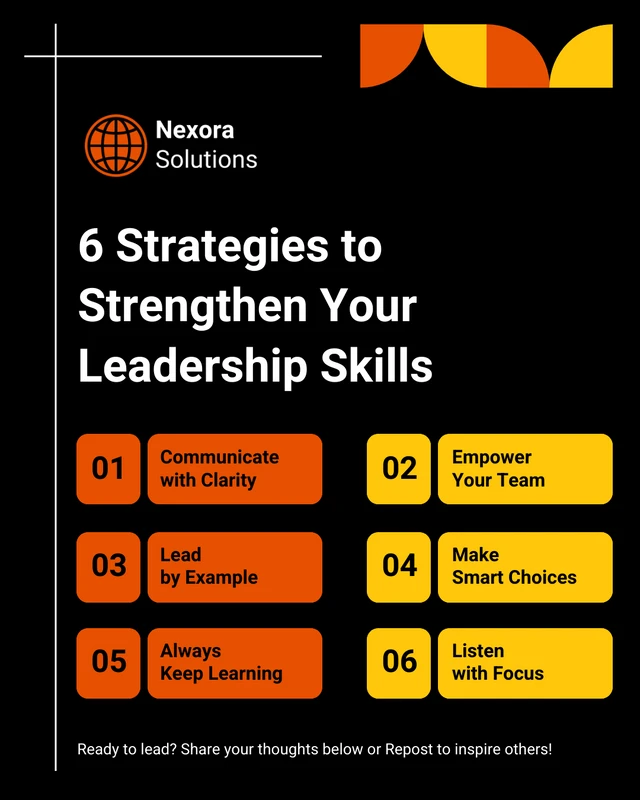


Popular AI Design Generators

How to Create a LinkedIn Post in Under 5 Minutes
Step 1: Type Your Main Idea
Start with a prompt like “team announcement,” “industry trend,” or “project milestone.” This gives the AI a clear direction for your post.
Step 2: Let AI Draft Your Post
Venngage’s LinkedIn Post Generator instantly turns your idea into a well-structured, engaging draft, complete with a hook, body, and CTA.
Step 3: Choose a Tone That Fits
Whether you're aiming for professional, conversational, or thought-leadery, you can adjust the tone with a prompt to match your voice or audience.
Step 4: Personalize the Content
Tweak the language, add emojis, hashtags, or links, and highlight specific details to make the post truly yours.
Step 5: Copy, Paste, and Post
Once you’re happy with it, copy the final version and publish it on LinkedIn. No overthinking, just quality content fast.
Professionals Looking to Stay Active on LinkedIn
Want to share insights, wins, or updates but not sure how to start? Venngage’s LinkedIn Post Generator helps you turn rough ideas into polished, engaging content that reflects your voice.
Skip the blank page. Just enter your thought or topic and let AI craft a post that’s ready to share with your network.
Generate a LinkedIn Post