


Free AI Magazine Cover Generator
Create covers that look like they came from a newsstand.
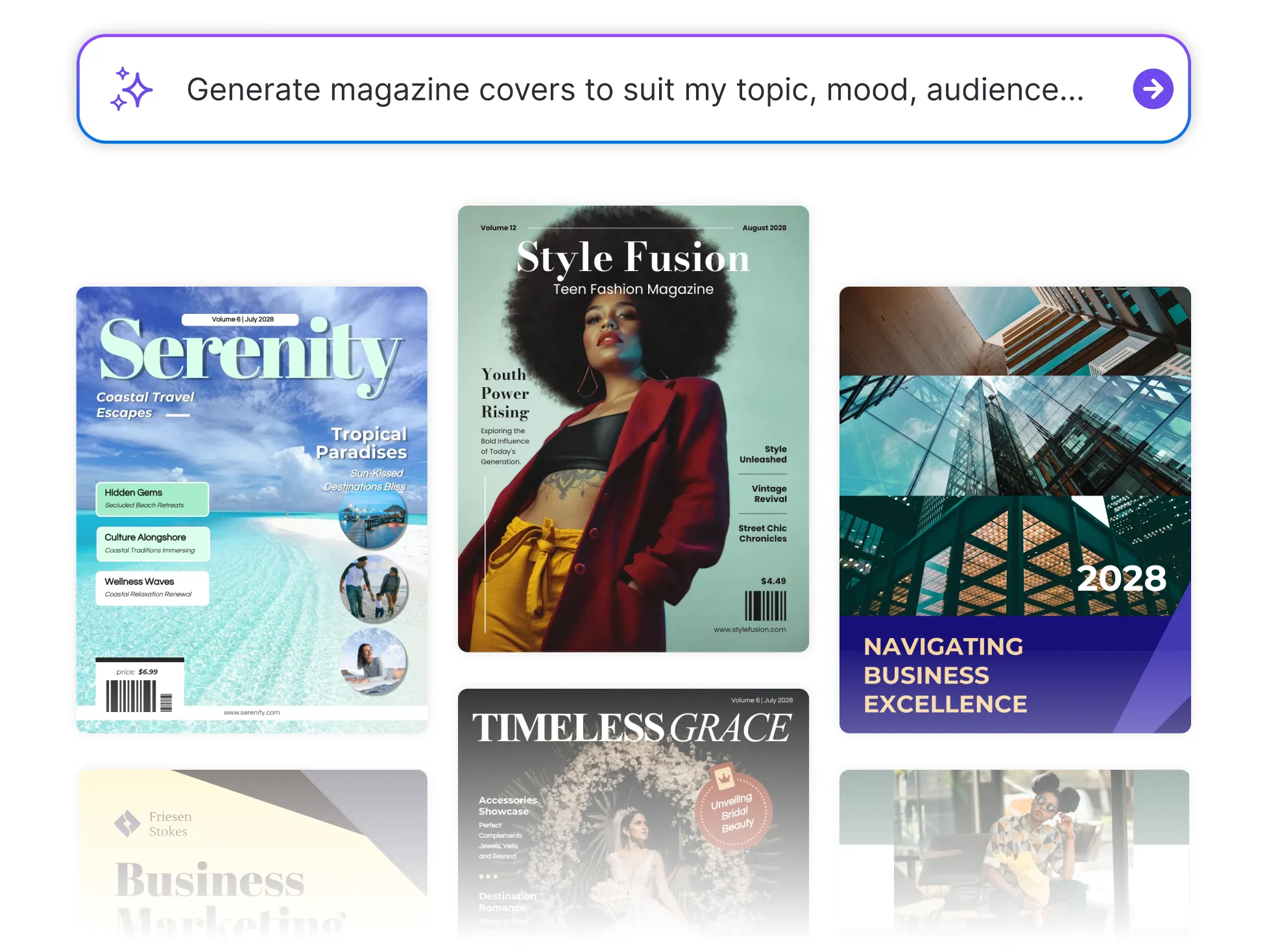




Browse Through More Magazine Cover Templates
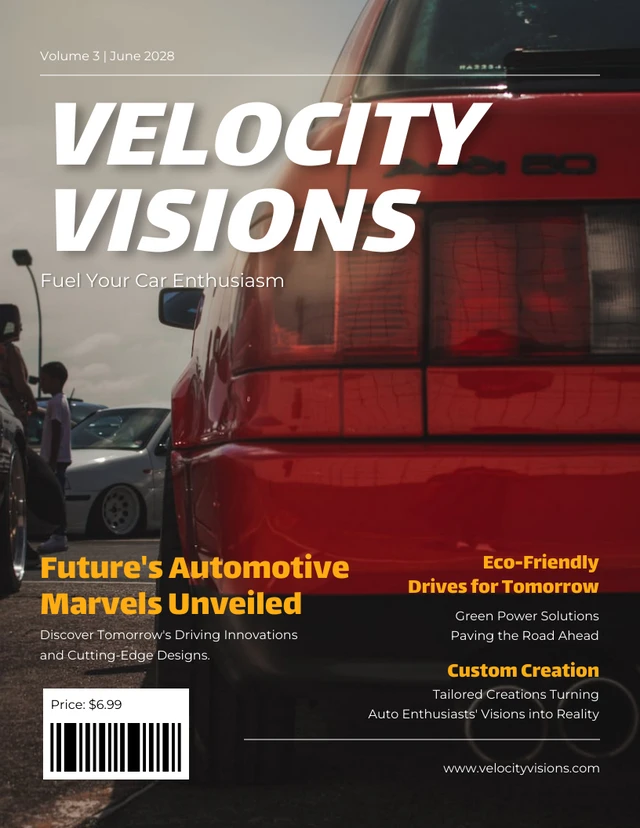




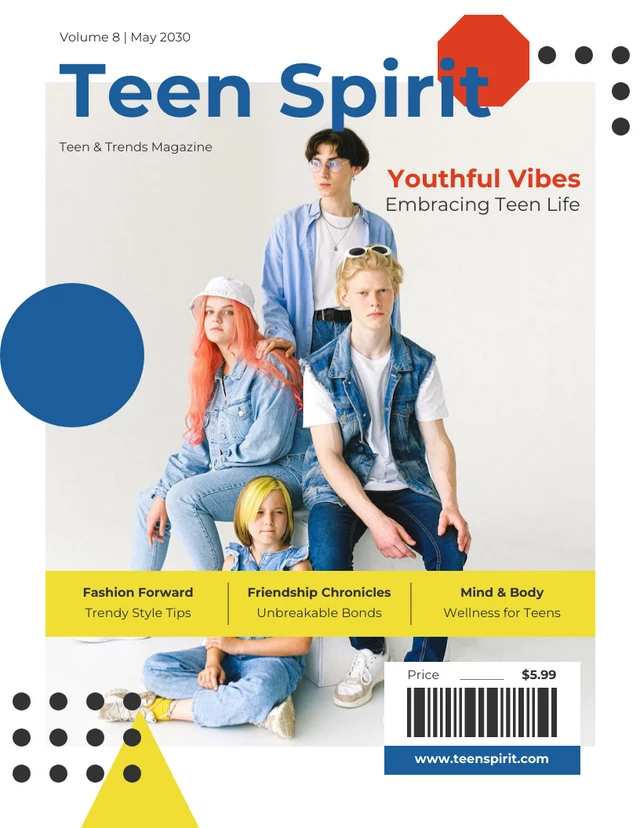


Popular AI Design Generators

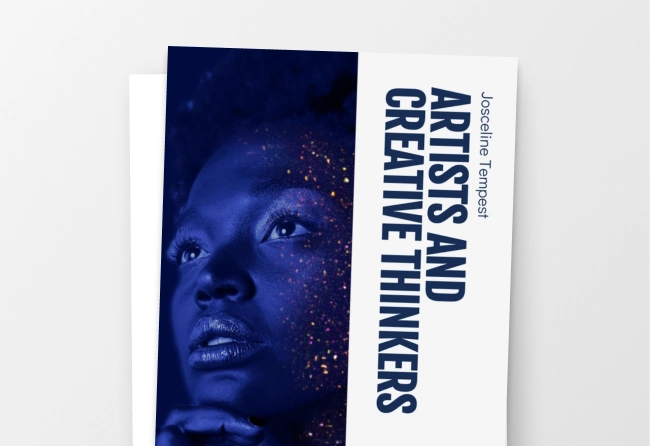


How to Create a Magazine Cover Using AI in Under 5 Minutes
Step 1
Describe Your Cover Concept
Start by entering what your magazine is about—topic, mood, audience, and style. Venngage’s AI Magazine Cover Generator uses your input to begin building a professional layout automatically.
Step 2
Add Headlines, Titles, and Key Text
Enter your masthead, main headline, subheads, and featured story titles. The AI Magazine Cover Generator organizes your text using optimized cover typography and editable layout suggestions.
Step 3
Let AI Design Your Magazine Cover Layout
Venngage’s AI Magazine Cover Maker instantly applies a structured layout with image placement, spacing, and visual hierarchy with no design experience needed.
Step 4
Customize and Brand the Cover Design
Upload images, adjust colors, and refine fonts using the drag-and-drop editor. Apply your Brand Kit for consistent logos, colors, and styles to produce polished, branded magazine covers.
Step 5
Download or Share Instantly
Export your cover in high-resolution formats, share it digitally, or prepare it for print. Your AI-powered magazine cover is ready in minutes.
Publishers and Editors Producing Covers on Tight Deadlines
Deadlines wait for no one. Venngage’s AI magazine cover maker helps publishers generate print-ready layouts, digital magazine covers, and editorial designs faster than traditional design tools.
Publish with confidence and create publication-quality covers without bottlenecks.
Generate Publication-Ready Covers