


Free AI Progress Bar Generator
Clear progress, nicely visualized.
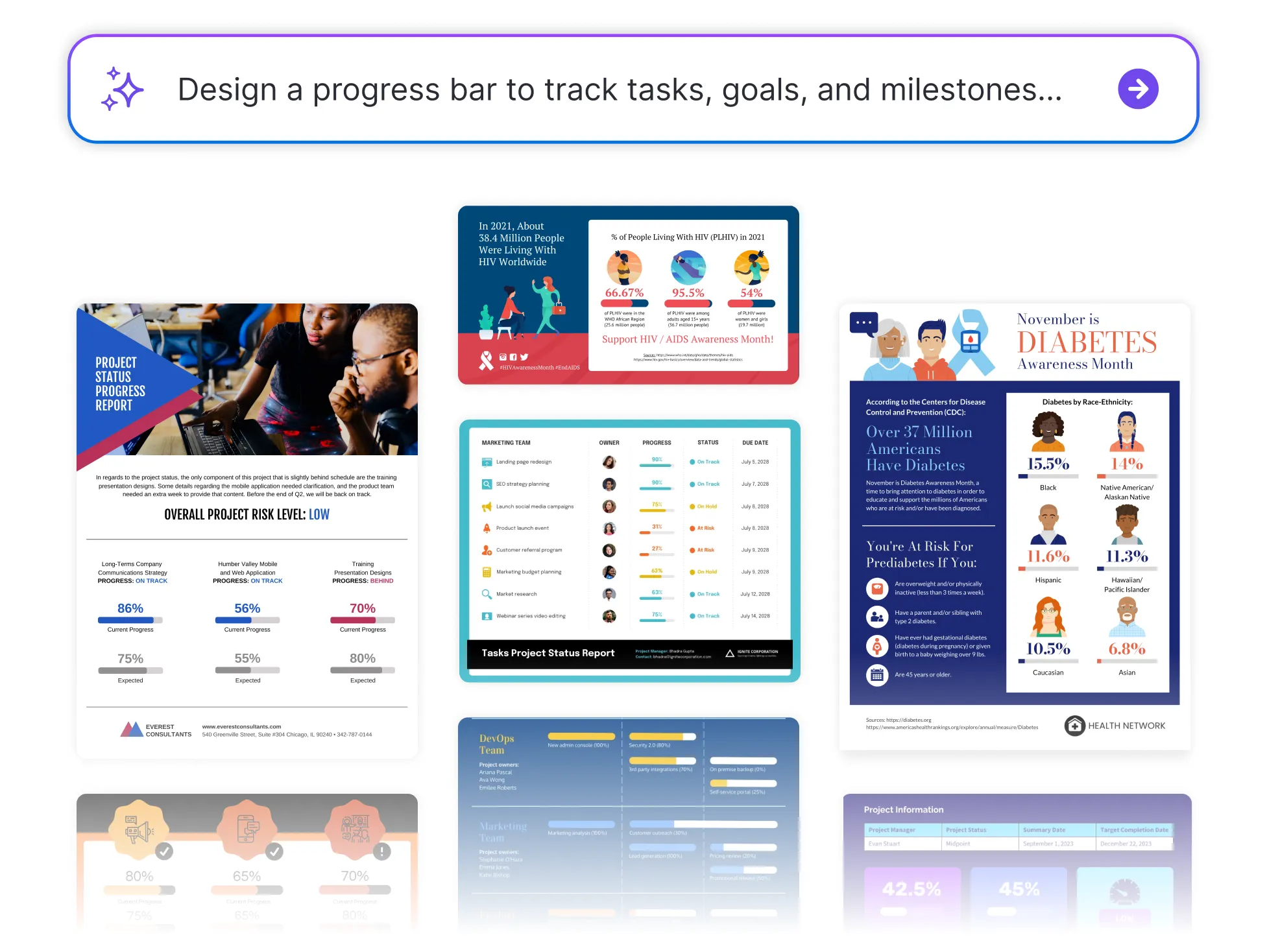




Popular AI Design Generators

How to Create a Progress Bar in Under 5 Minutes
Step 1: Enter Your Goal or Metric
Start by typing in what you’re tracking—percent complete, steps done, or time spent.
Step 2: Choose Your Progress Amount
Add your current progress as a percentage or value for Venngage’s generator to update the bar instantly.
Step 3: Customize the Look
Use the drag-and-drop editor to adjust colors, labels, fonts, and bar style. Make it match your tone, project, or brand.
Step 4: Add Context
Include supporting text, icons, or headers to give your progress bar more meaning.
Step 5: Download or Share Instantly
Export your progress bar as an image, PDF, or link, ready for dashboards, presentations, or team updates.
Nonprofit Teams Tracking Fundraising Goals
Balancing multiple moving parts—from venue bookings to vendor deadlines—can get overwhelming fast. Venngage’s Progress Bar Generator helps event planners visually map out what’s on track and what needs attention.
It’s a simple, effective way to share updates with clients, coordinate with teams, and keep everyone aligned as the big day approaches.
Generate Progress Bars