


Free AI Word Cloud Generator
Visualize your message with smart, customizable word clouds.
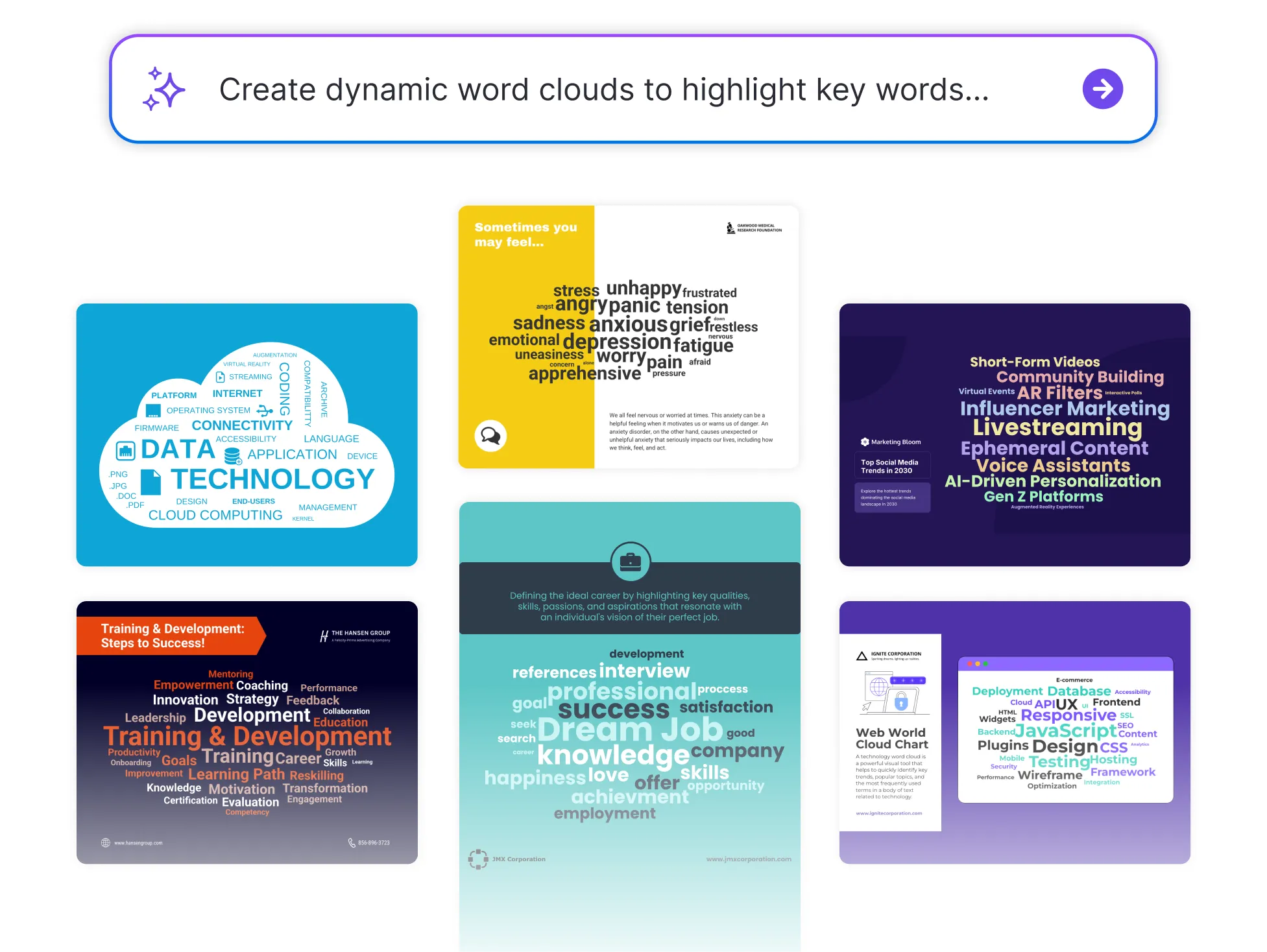




Browse Through More Word Cloud Templates
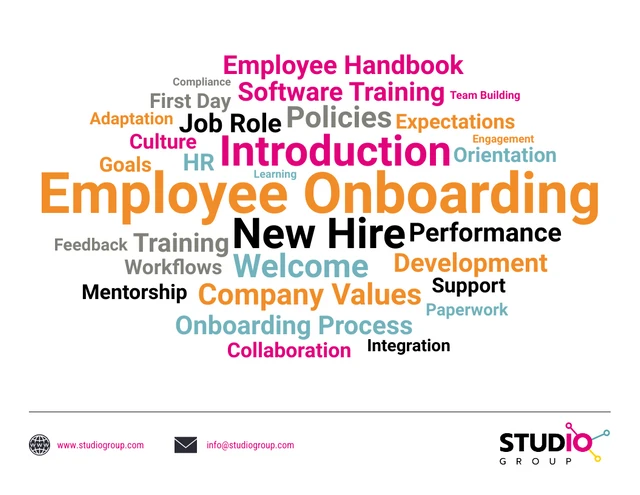





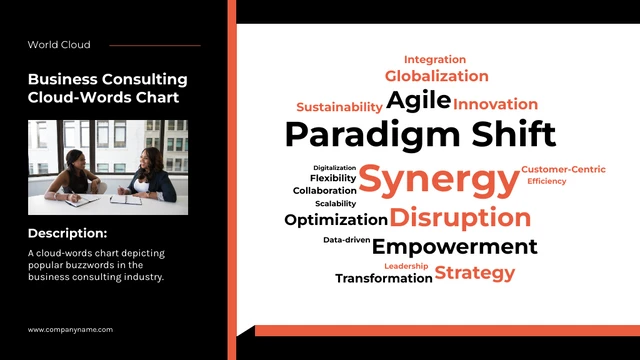
Popular AI Design Generators
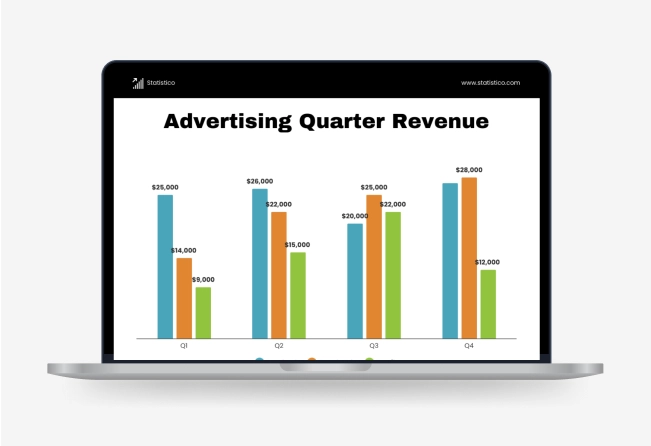

How to Create a Word Cloud in Under 5 Minutes
Step 1: Paste Your Text
Start by adding your content—whether it’s a paragraph, list, transcript, or document.
Step 2: Let AI Analyze the Keywords
Venngage’s AI Word Cloud Generator scans your text and highlights the most frequently used and relevant words.
Step 3: Generate Your Word Cloud
With one click, turn your text into a dynamic word cloud—automatically sized and styled based on word frequency.
Step 4: Customize the Look and Feel
Use Venngage’s drag-and-drop editor to adjust colors, fonts, layout and shapes to match your style or brand.
Step 5: Download or Share Instantly
Export your word cloud as an image or PDF, or share it directly with your team or audience—perfect for reports, slides or social posts.
Educators Looking to Make Content More Engaging
Looking for a creative way to help students grasp key concepts? Venngage’s AI Word Cloud Generator transforms lesson plans, reading materials or class discussions into visual summaries that are easy to understand and fun to explore.
It’s perfect for sparking conversation, reinforcing key vocabulary, or wrapping up a unit. Just paste in your content and turn it into an engaging visual that your students will remember.
Generate a Word Cloud