


Free AI Work Schedule Generator
Create and share schedules in minutes.
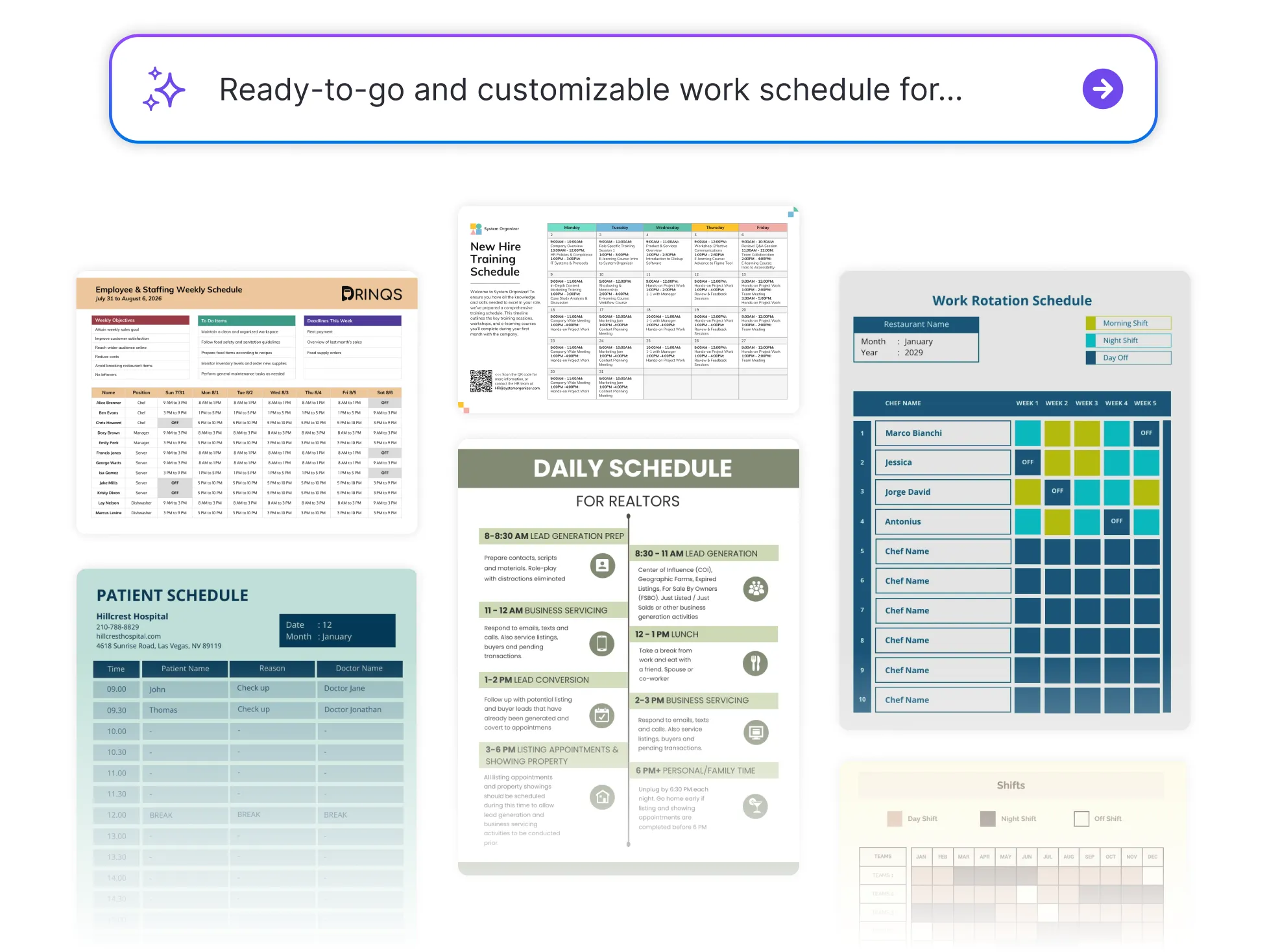




Browse through more work schedules


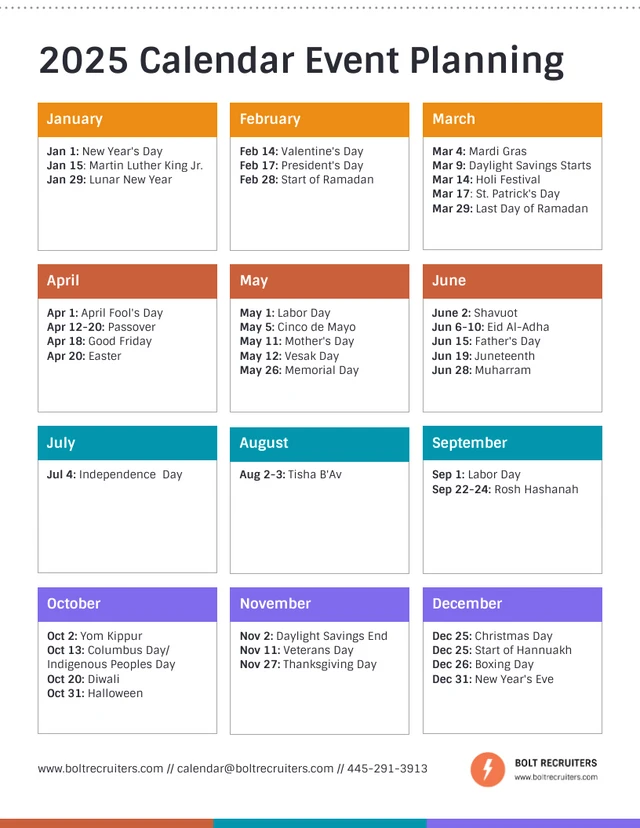


Popular AI Design Generators
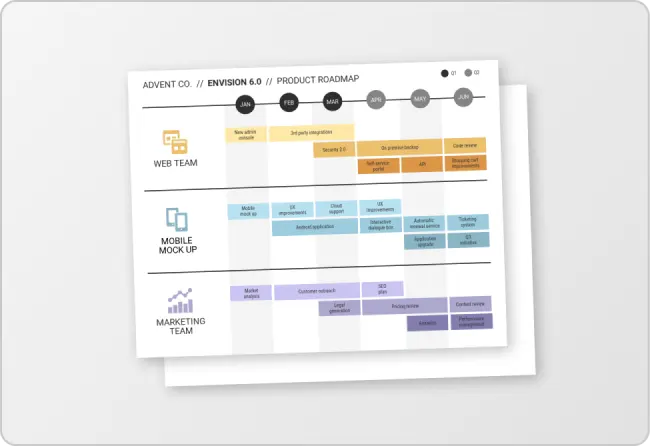
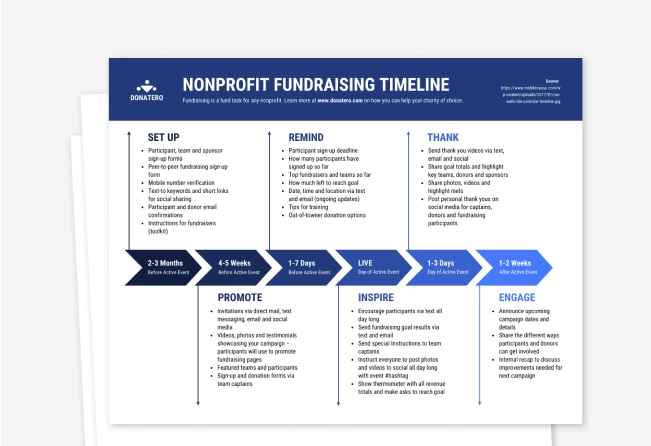
How to Create A Work Schedule in Under 5 Minutes
Step 1: Choose Your Schedule Type
Start by selecting the kind of schedule you need—weekly, daily, shift-based, or custom.
Step 2: Add Team Members or Roles
Enter names, roles, or departments to organize who needs to be scheduled.
Step 3: Set Hours, Shifts, or Tasks
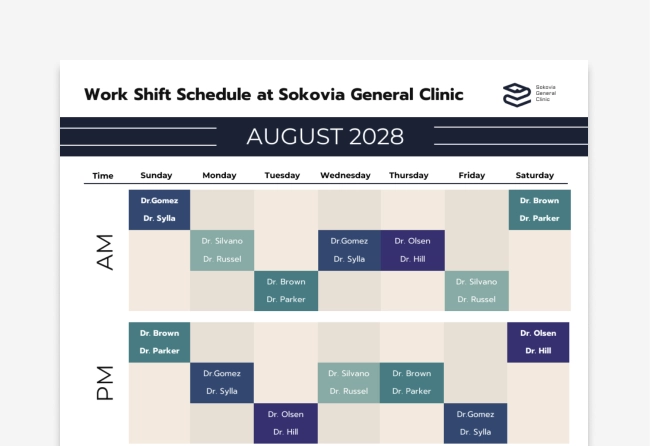
Assign specific time slots, shifts, or tasks to each team member using a simple drag-and-drop layout.
Step 4: Customize the Layout
Use Venngage’s editor to adjust colors, labels, and format—make it easy to read at a glance.
Step 5: Share or Export Instantly
Download your schedule as a PDF, image, or shareable link—so your team stays in sync, wherever they are.
Managers Looking to Save Time on Scheduling
Tired of juggling spreadsheets and last-minute shift changes? Venngage’s Work Schedule Generator helps you build, customize, and share team schedules in minutes—perfect for retail, hospitality, healthcare, and more.
Just plug in your team and tasks, and get a clear, flexible schedule without the hassle.
Generate Work Schedules