


Free AI Poster Generator
Create posters in minutes with just a prompt, whether it’s for an event, campaign, class, or announcement.




Discover an extensive range of poster designs

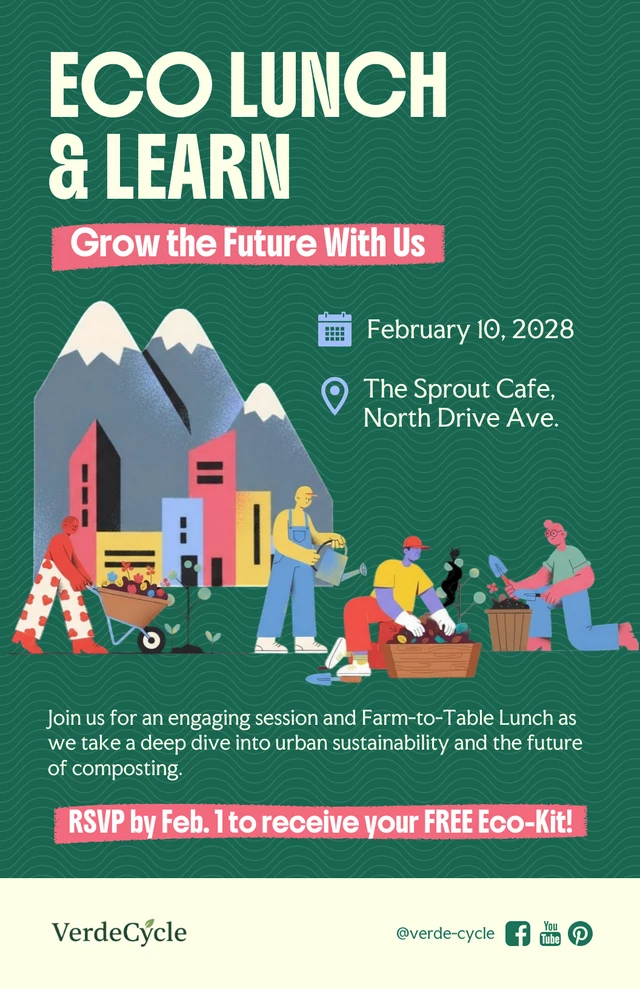
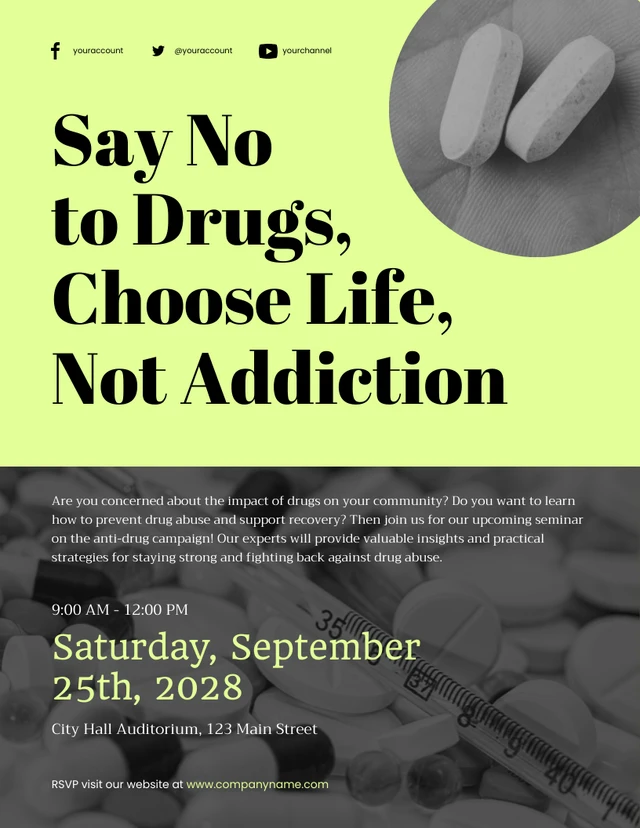
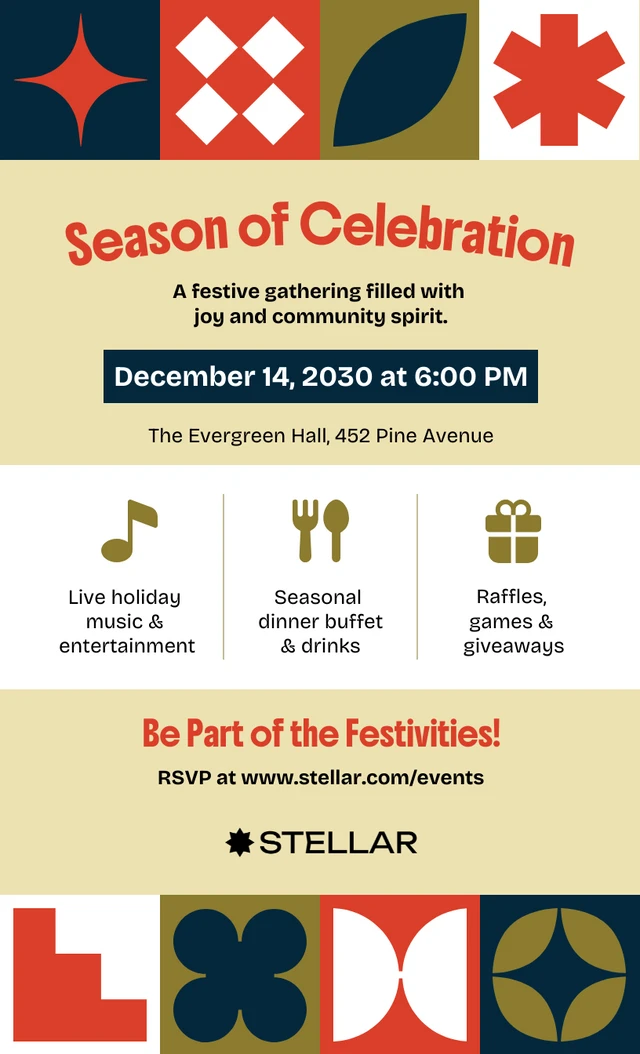
AI-Powered Tools
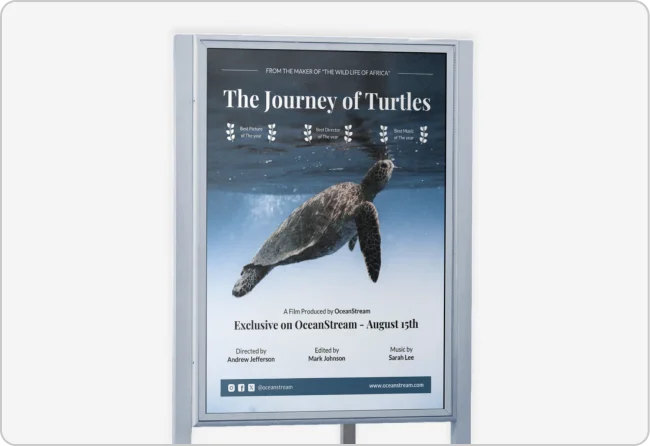
How To Write A Prompt That Generates The Posters You Want?
Provide Details: Specify key elements of your poster like the subject, background, colors, and text for better AI results.
Select the Theme & Emotion: Define your poster’s theme and emotion to ensure AI conveys feelings like excitement or calm.
Give References Input information on creative direction to give AI some inspiration for your poster, but make sure to avoid direct imitation.
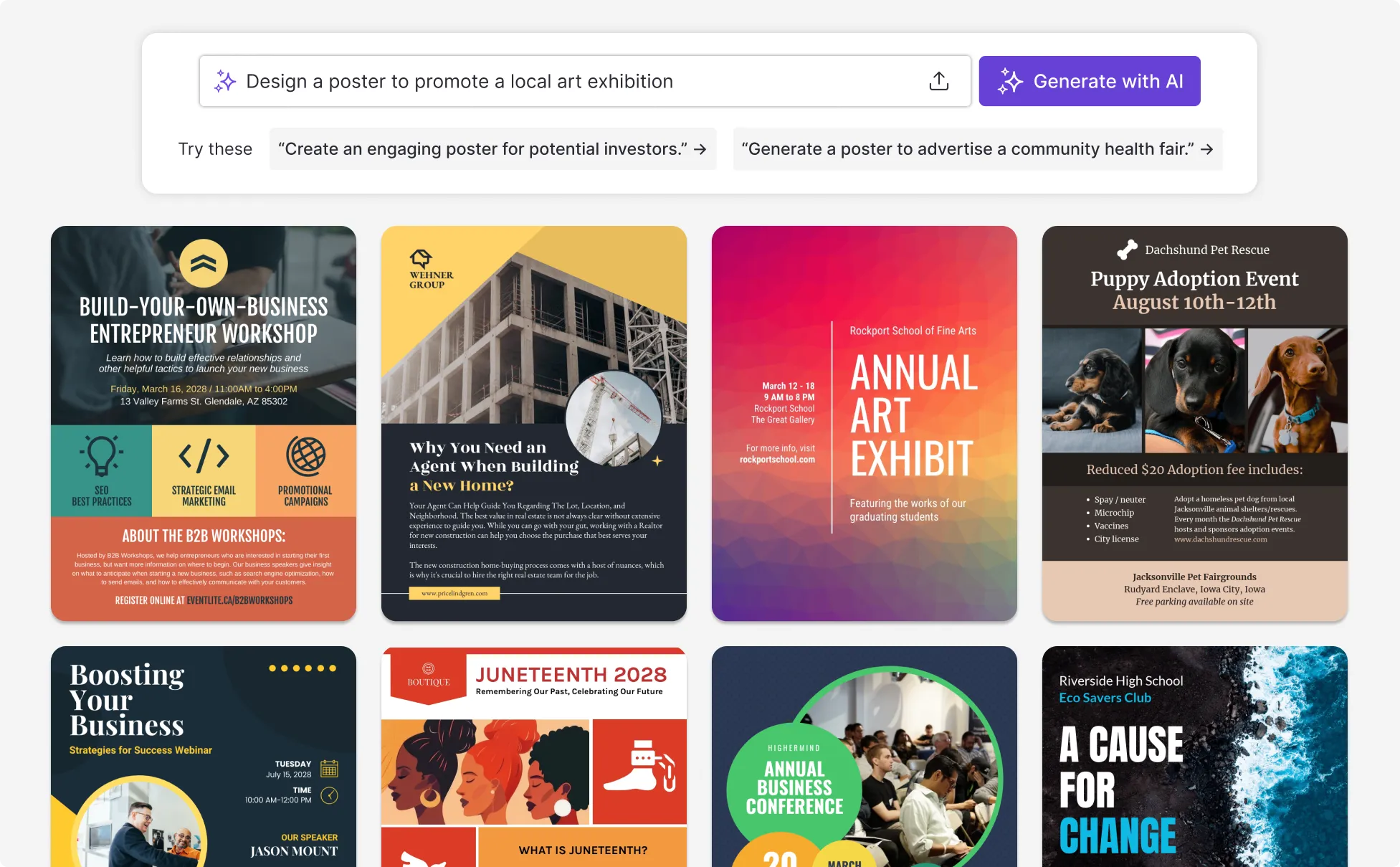
Sample Prompts You Can Modify and Use
“Create a promotional poster as a conference organizer highlighting keynote speakers, session themes, and event dates. The goal is to increase registrations and build excitement.”
“As a startup founder preparing for a product launch event, create a poster design that introduces the product, highlights key differentiators, and encourages sign-ups.”
“Generate a classroom poster as a teacher explaining lab safety rules. The goal is to remind students of key guidelines and reinforce safe behavior.”
“Our audience keeps missing important updates about upcoming events. Create an event poster as an organizer that clearly communicates key details and encourages attendance.”
How To Create A Poster Using AI
Step 1
Define Your Goal
Clarify the purpose of your poster, audience, and key message to set direction for writing your prompt.
Step 2
Use Your Goal to Write a Prompt
Describe the event, campaign, or topic based on your objective so Venngage’s AI Poster Generator can generate a poster aligned with your goals.
Step 3
Generate the Poster Using Venngage’s AI Poster Generator
Click generate to create a poster layout with text and visuals based on your prompt.
Step 4
Edit the Poster Using Venngage’s Editor and AI Tools
Use the drag-and-drop editor to adjust layout, text, fonts, and colors, then use the AI Designer, AI Writing Assistant, AI Image Generator, AI Icon Generator, and Brand Kit to refine the poster and make sure branding is consistent.
Step 5
Export or Share the Poster
Download the poster as a print-ready PDF or digital poster design, or share a link for distribution, giving you a finished poster ready for events, campaigns, or presentations.
Promote Campaigns as a Social Media Manager
When you’re planning content or launching a campaign, social media managers can use Venngage’s AI Poster Generator to create poster designs that highlight key messages and support promotions.
Use the poster to support social posts, campaign announcements, or content rollouts when you need something clear and ready to go. Simply generate your design, make quick edits, and export it as a PDF or digital file to share across channels.
Generate AI Posters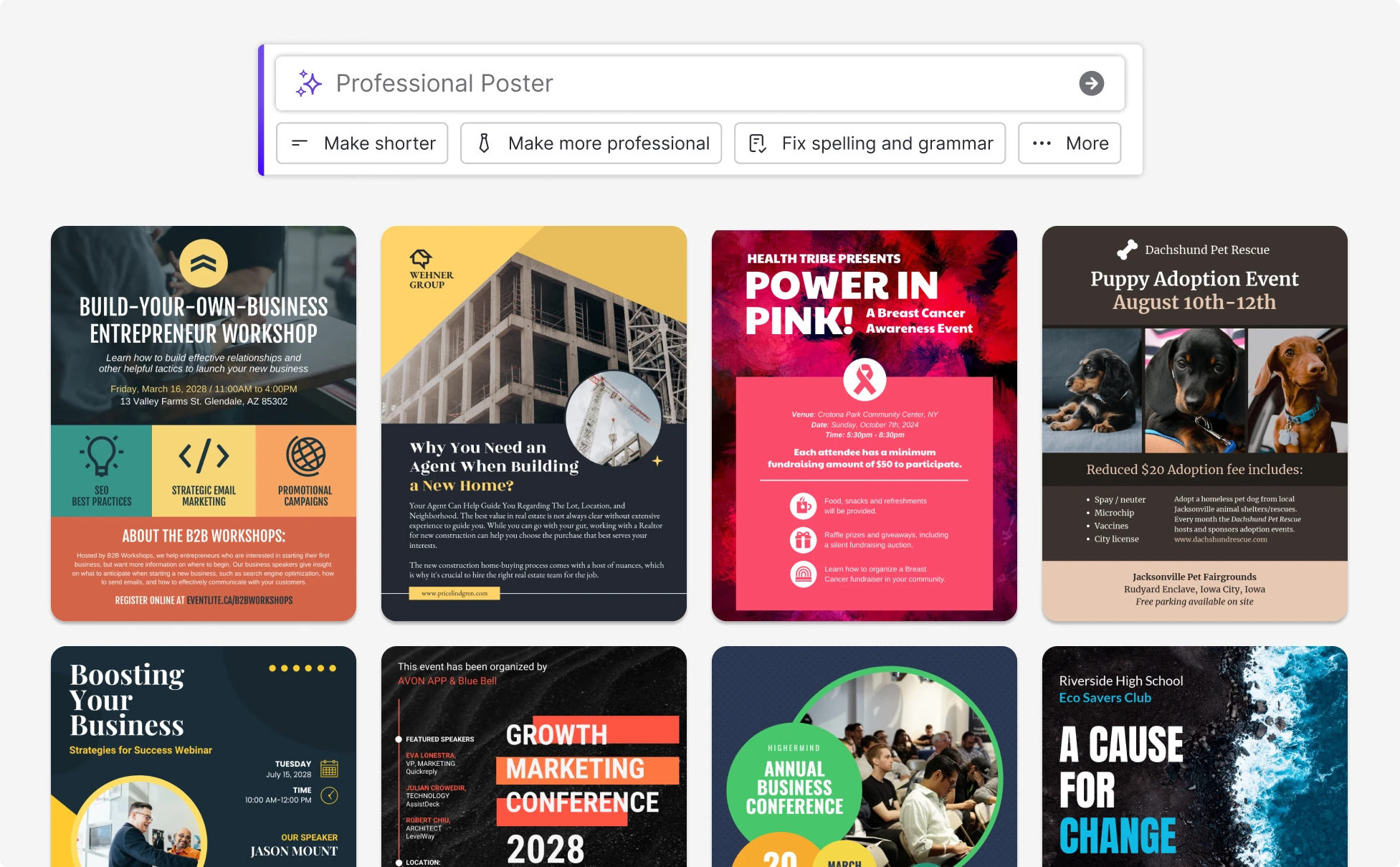
Share Event Details as an Event Organizer
Since 80% of event marketers say promotion drives event success, event organizers can use Venngage’s AI Poster Maker to create clear, eye-catching posters with key dates and details.
Simply generate a poster from a prompt, let AI suggest layouts and copy refinements, then edit and export for print or digital sharing in minutes. Unlike many basic design tools, Venngage’s AI is built to structure content automatically so you’re not arranging everything manually.
Generate AI Posters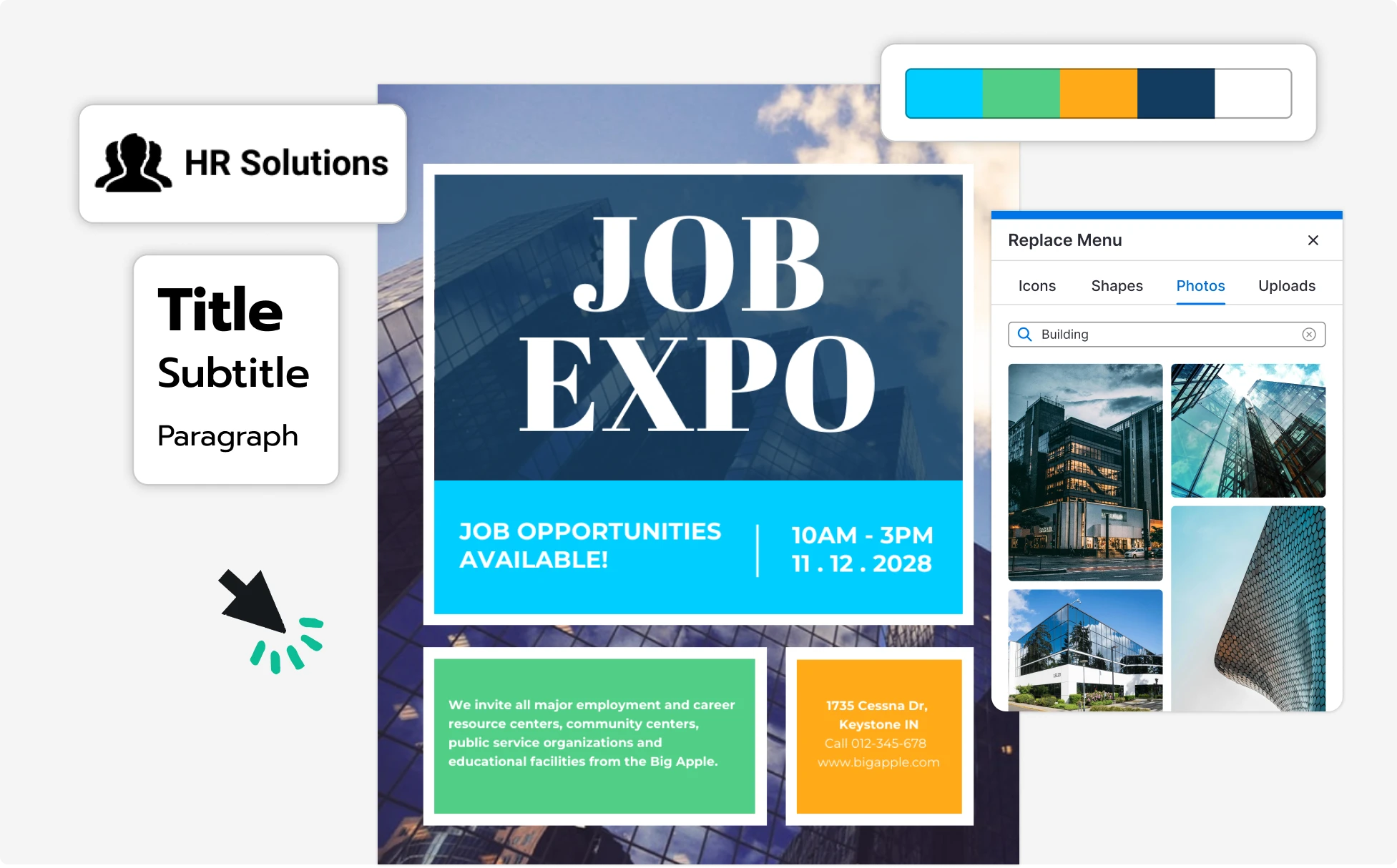
Present Ideas Clearly as a Student
When preparing a project or promoting a campus activity, students can use Venngage’s AI Poster Creator to create posters that organize ideas in a clear format. It helps turn research or plans into something ready to present.
Just generate a poster from prompt, adjust your content, and export it in PDF or PPT for presentations, submissions, or a private link to share with classmates.
Generate AI Posters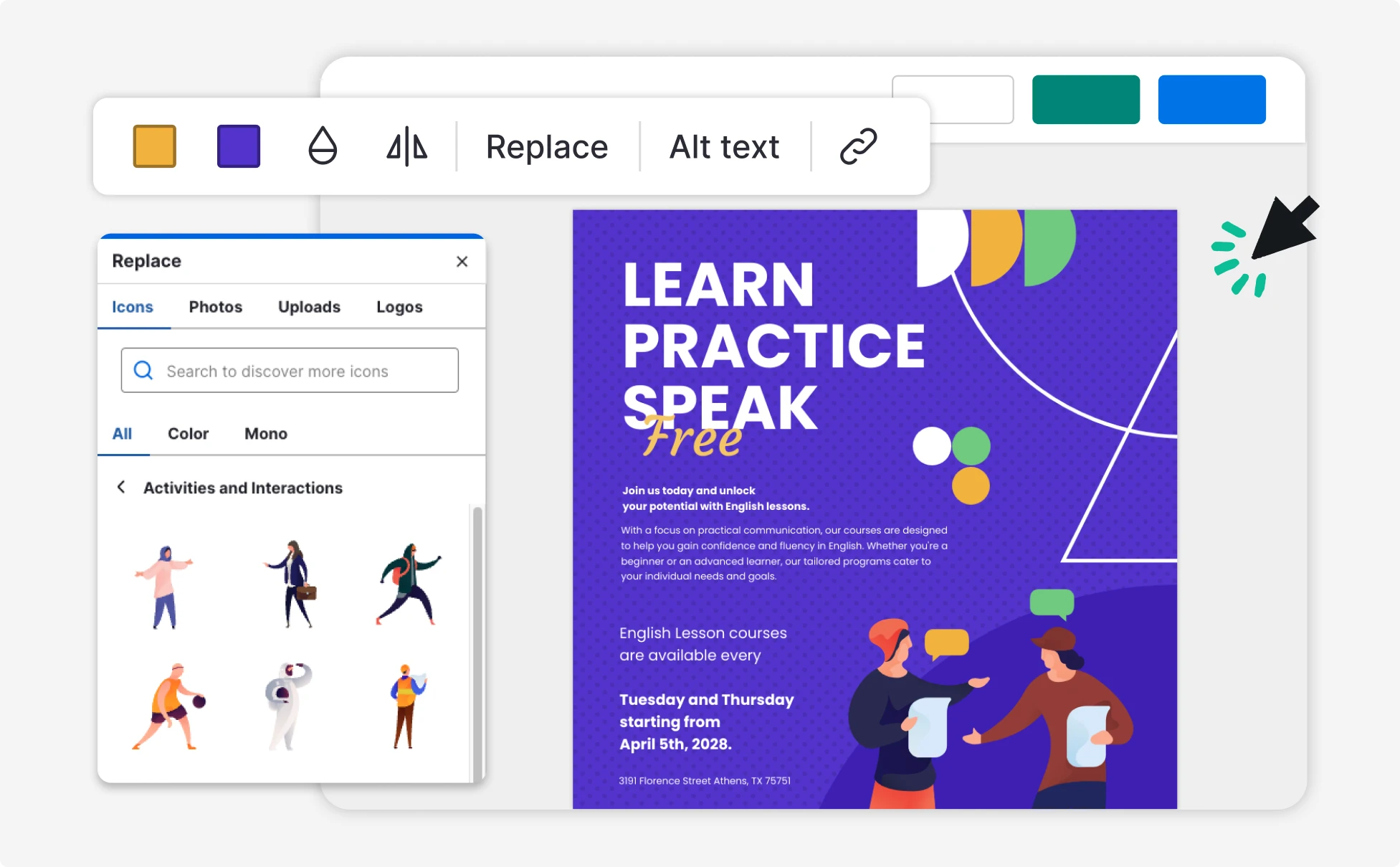
Fuel Your Creativity with AI-Powered Design Tools
Venngage is your one-stop shop for creating impactful presentations, infographics, reports, and more. It's a favorite among professionals, educators, and marketers for a reason:
AI Branding Automation
Instantly extract brand colors, fonts, and styles. Auto-apply your logo and visual identity to every design for seamless brand consistency.

DesignAI Generator
Turn simple prompts into stunning professional visuals in seconds. Describe what you need in plain language and watch our AI generate layouts optimized for maximum visual impact.

AI Content Auto-Fill
Kickstart your design process in seconds. Choose a template and let our AI auto-fill it with relevant, on-brand content, ideal for streamlining workflow and boosting productivity.

AI Generated Icons and Images
Create unique visuals that perfectly match your content and style. Generate custom illustrations, icons and images that align perfectly with your brand.

AI Writer and Translation
Enhance clarity, rewrite content, and instantly translate text to create accessible, global-ready visuals.

Smart Accessibility AI
Ensure every project looks great and works for everyone. Use AI to write alt text check contrast, layout, and font readability, and export fully WCAG-compliant visuals and PDFs.


What Our Customers Say
Seriously. If you're looking for an easy, versatile, sophisticated design platform, sign up now. ...have yet to find a platform so perfect.
FAQs
Yes, you can fully customize all AI-generated templates on Venngage's platform.
Yes, Venngage offers a wide variety of poster designs to suit different needs and preferences. Whether you're looking for something sleek and modern, or more detailed and data-focused, you'll find numerous options to choose from in our extensive template library.
Yes, the AI-generated posters created using Venngage's tools are copyright-free. You can use them for both personal and commercial purposes without any restrictions on copyright. However, it's always good practice to ensure that any externally sourced content you include is also cleared for use.
We offer a free plan so you can try out all our AI features without spending anything. If you want more advanced features like private sharing and auto branding, we've got Premium and Business plans available too.
ChatGPT is great for generating copy ideas and prompts, but for full poster design, Venngage’s AI Poster Generator takes over—transforming your text into polished visuals using built-in templates.
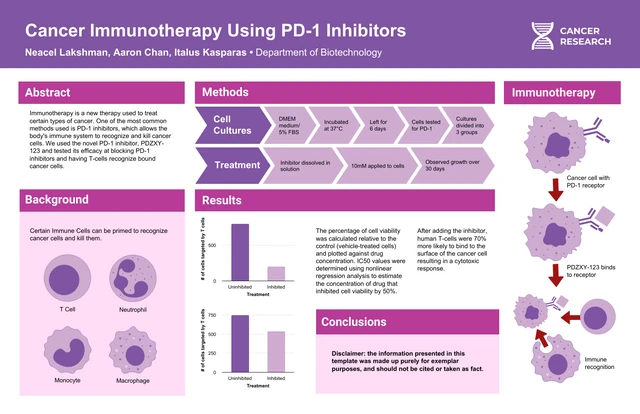
Yes! Just include keywords like research, academic, data, or citations in your prompt. The AI will generate a layout that fits academic-style posters—complete with space for sections like methodology, results, and references.
Absolutely. All AI-generated posters from Venngage are royalty-free for personal and commercial use—no attribution required.
Include the word “typography” in your prompt along with style cues (like font weight, layout, or contrast). We’ll handle the formatting and hierarchy to give it that pro-designed look.
Venngage offers unlimited free exports and a deeper template library—unlike Canva, which limits free assets.
Yes—and more. Venngage offers full Brand Kit support, text-to-poster prompts, and high-res downloads without trials or paywalls.